 Shoppex
Your store, on your own domain.
Pick a theme and edit it by clicking, or start from a React project and own every file. Connecting your domain, SSL included, costs nothing on Free.
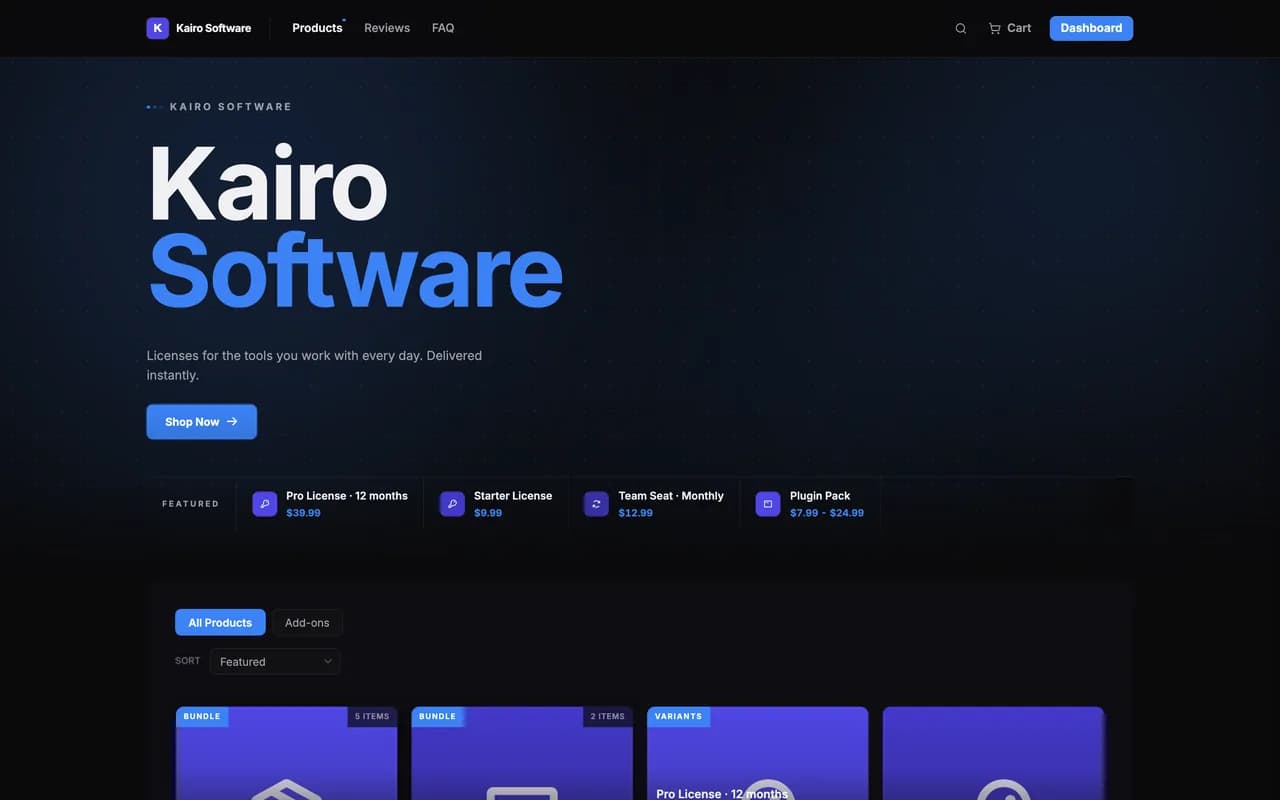
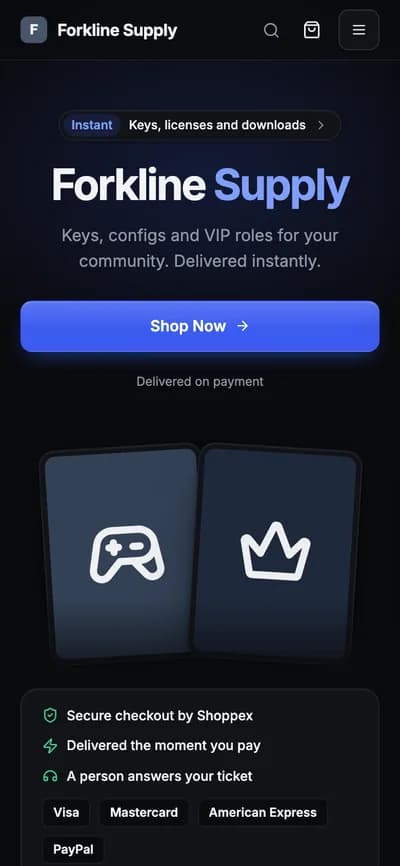
Six themes you edit by clicking.
Each theme is a set of blocks you arrange in the theme builder. Hover a card to scroll through the whole store.
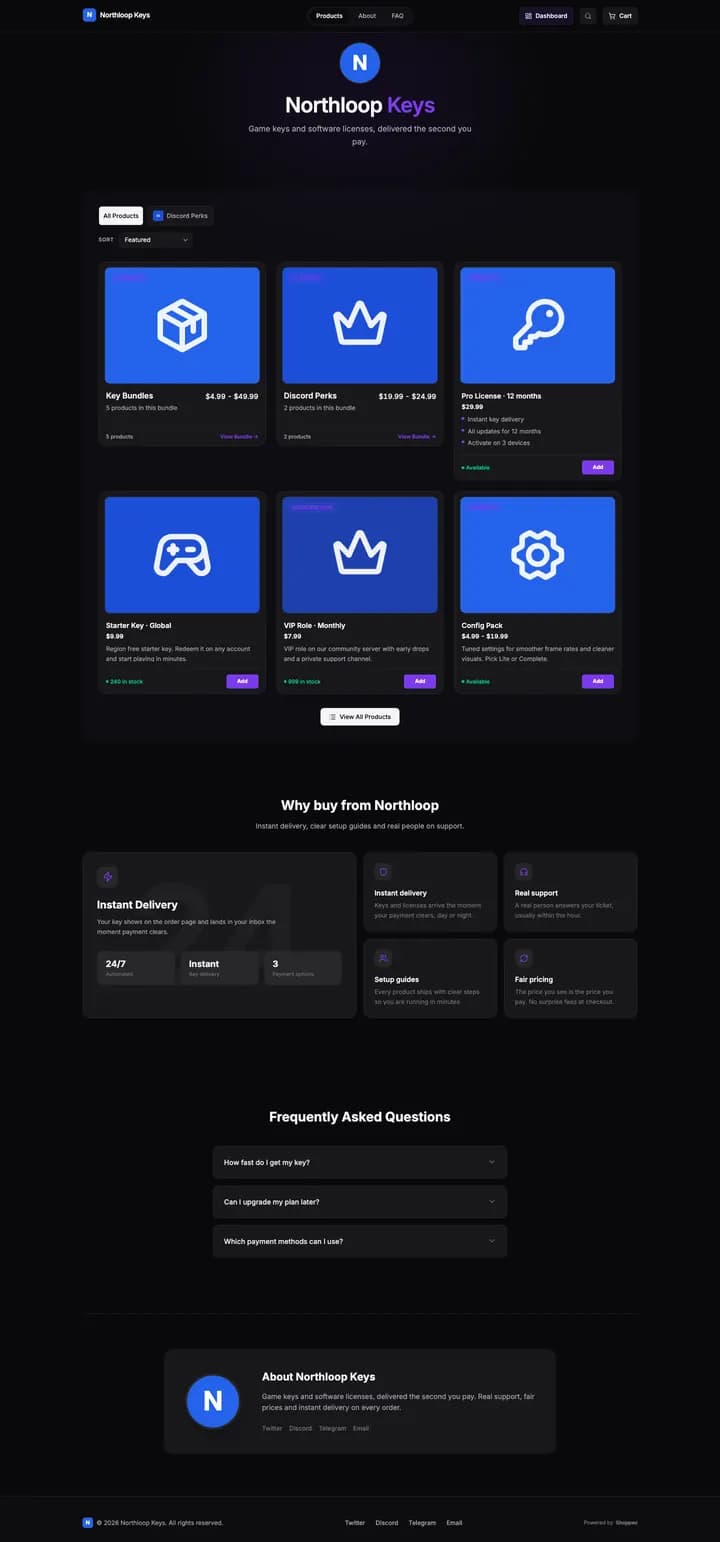
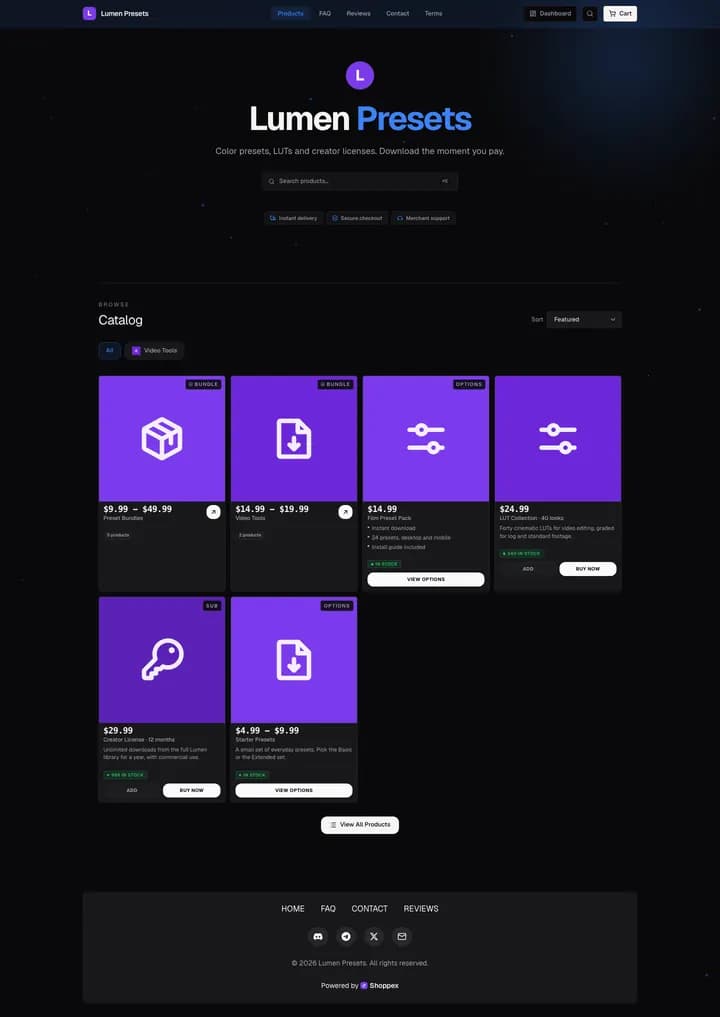
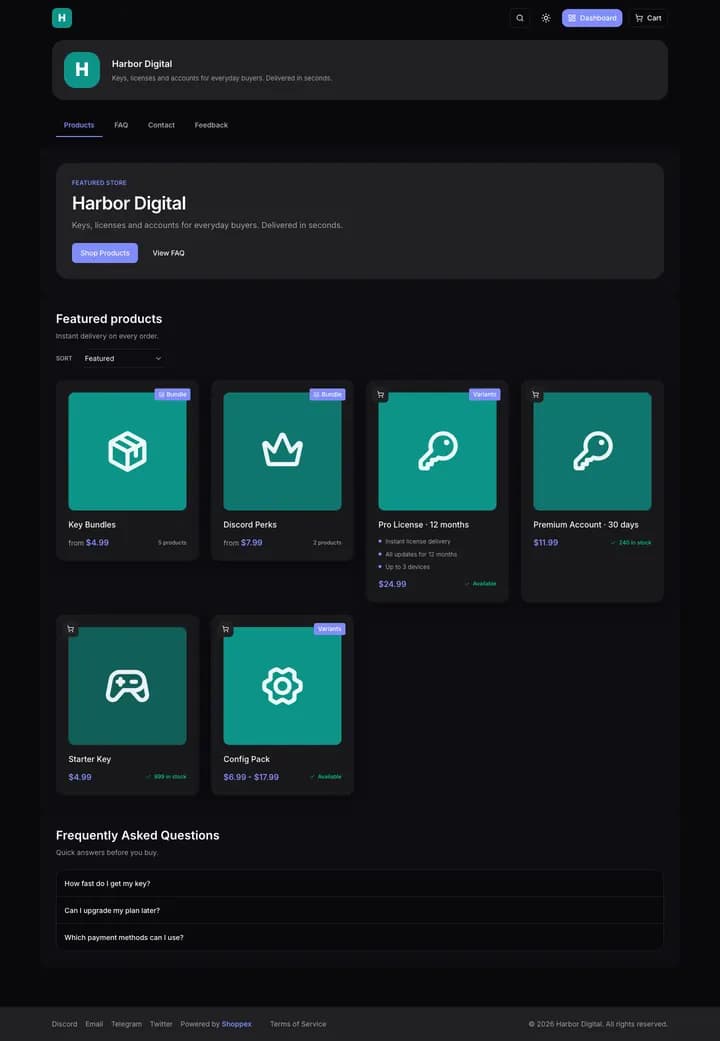
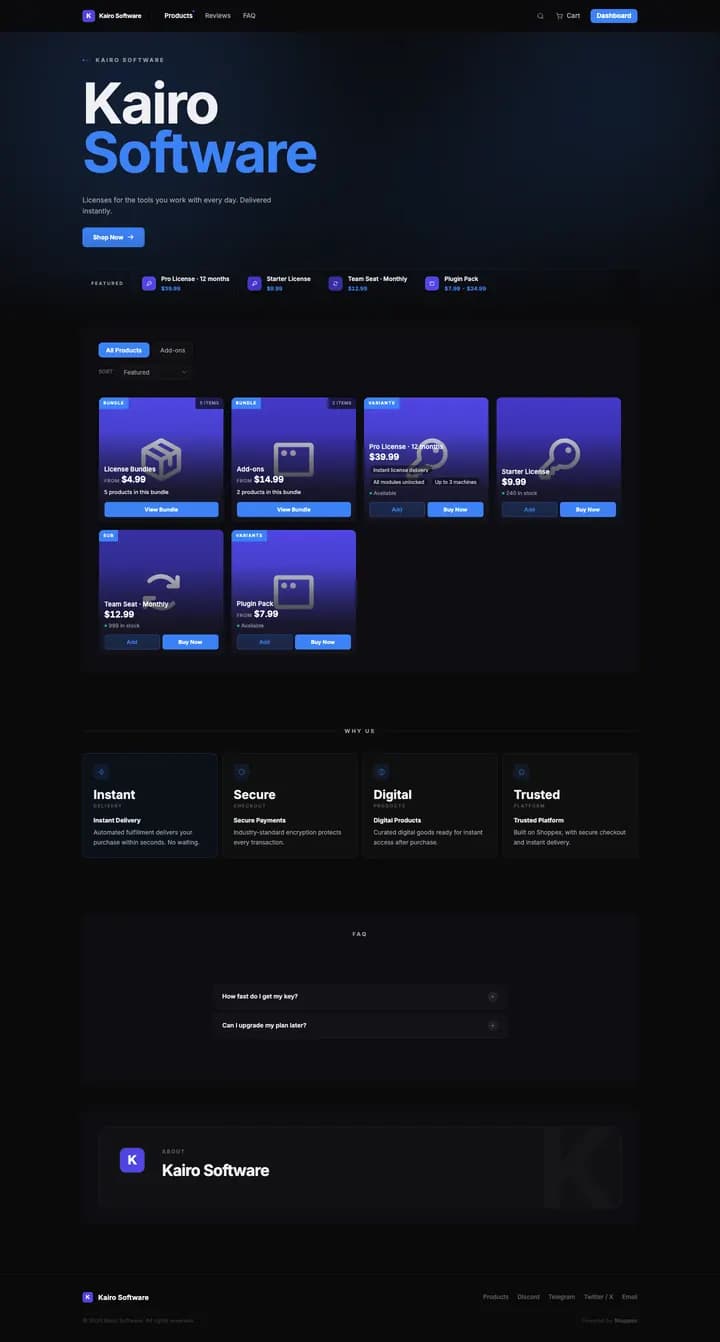
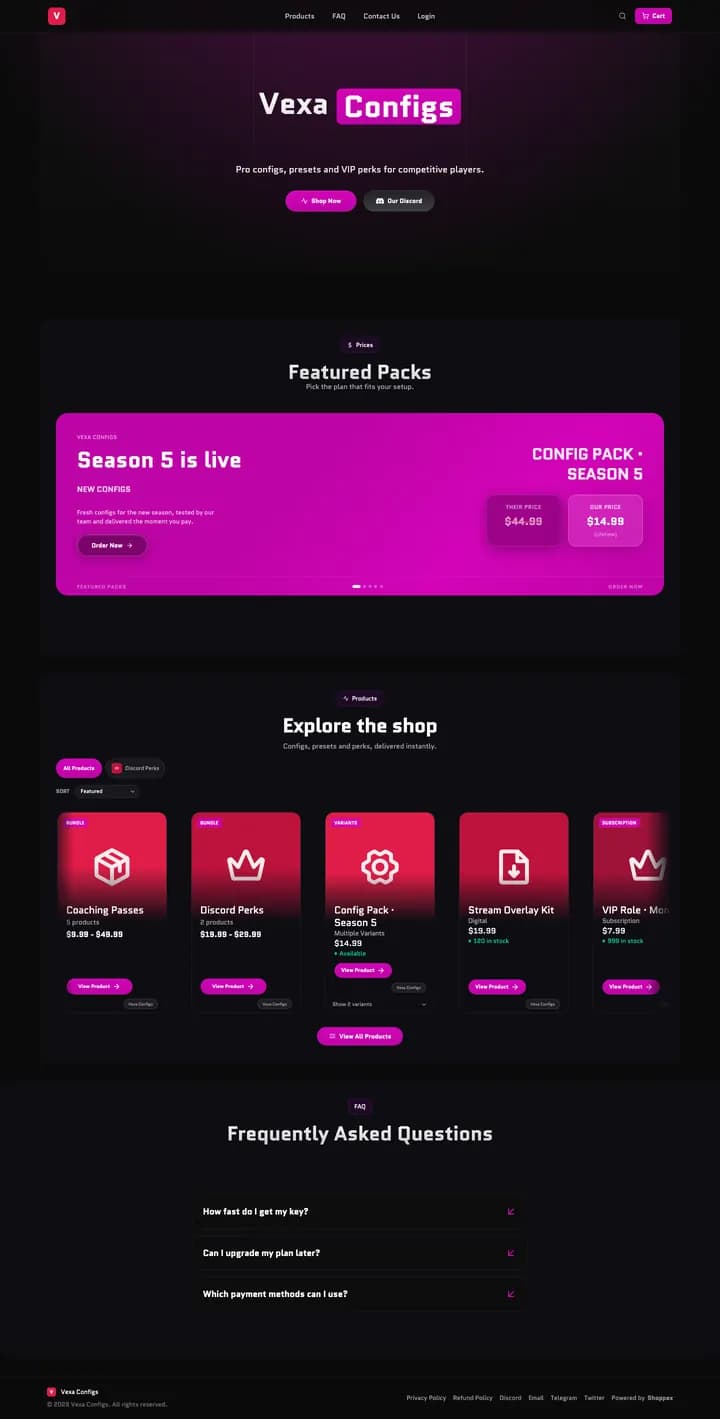
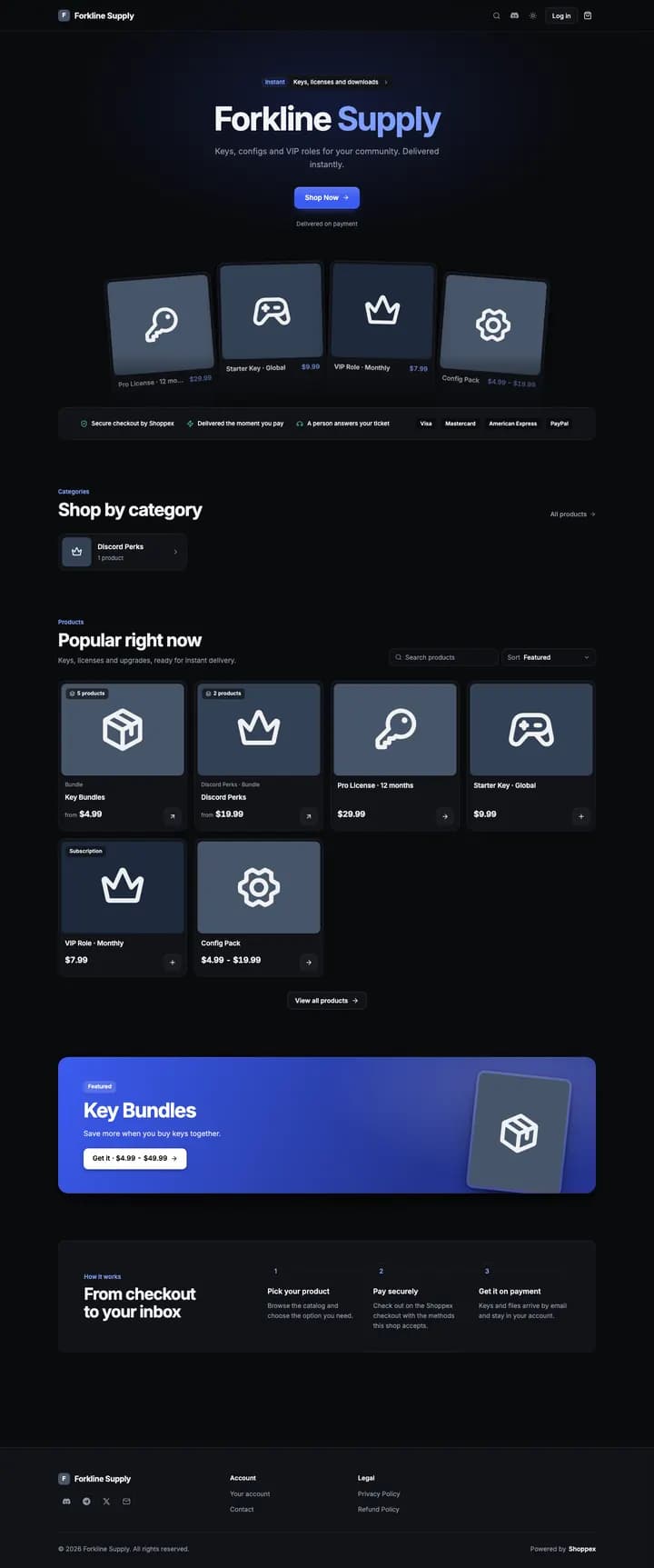
- 40+ block typesProducts, FAQ, reviews, countdowns and more. Four on the Default theme exist because you sell digital goods: License Delivery Timeline, Discord Role Claim, Vouches Feed and Stock / Drop Countdown.
- The checkout never changesAll six block themes share one cart and one checkout, so a new look never touches how you get paid.
- SEO built inPage titles, sitemaps, social cards and product data come with the storefront.
A builder with your store in the middle.
Layers, Add Section and Theme open from a rail on the left. Click a block on the page and its settings open on the right, in three tabs: Content, Style and Advanced.
- Add without leaving the pageAdd Section filters by Popular, Products, Trust & Reviews, Discord and more. A toolbar on the selected block moves it, duplicates it or removes it, and swaps its layout when it has more than one.
- Element presetsSave an element's look as a preset and reuse it on other elements of the same kind.
- Desktop, tablet, phonePreview at 1280, 768 and 390 pixels wide. ForkMe switches between light and dark, so it gets a toggle on the canvas.
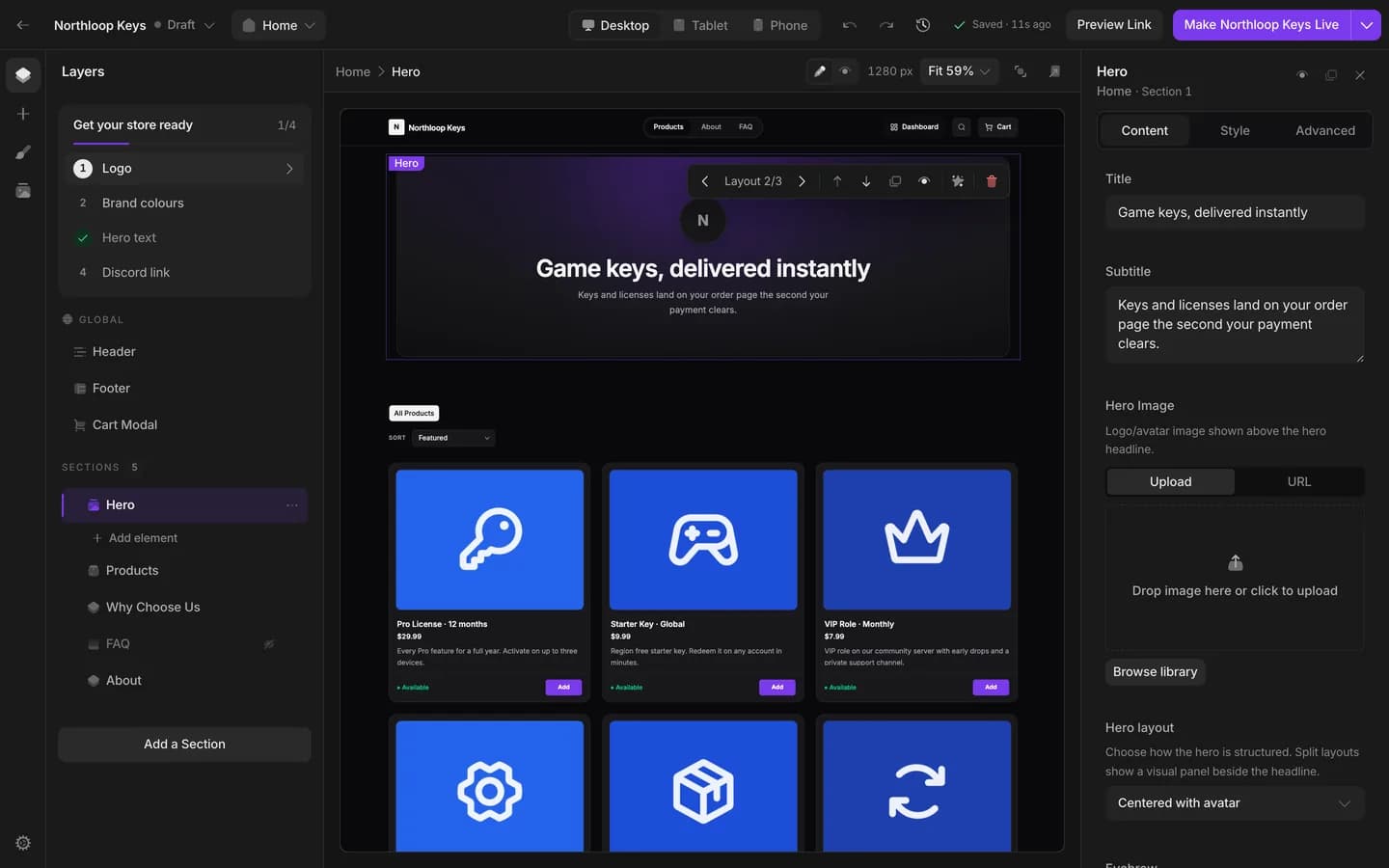
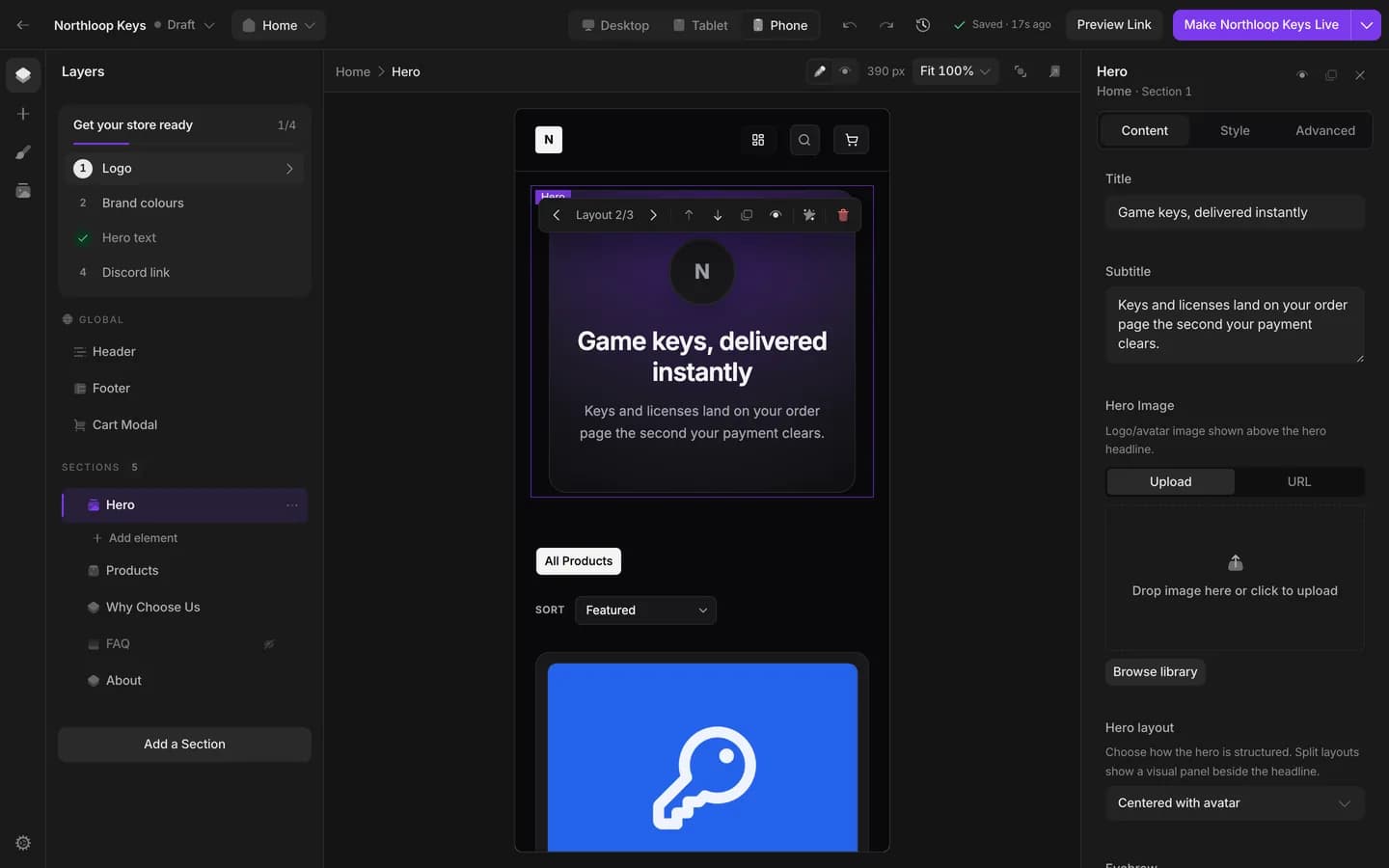
You see the change before your buyers do.
Ask AI to change a section and the change lands on the page for you to keep or reject. Publishing lists every change since the last publish first.
- Ask AI, then Keep or Reject
Ask on a whole section or on one element. Reject undoes it in one step. Every shop gets 2,000,000 AI tokens a day, on both plans.
- Undo, redo and History
History lists your recent publishes and automatic checkpoints. Restoring one makes a draft, and nothing goes live until you publish.
- Publish without going live
A draft storefront can be published while buyers keep seeing the live one. Make it live when you are ready: the one it replaces goes back to your drafts.
React you own, built and served by Shoppex.
Start from Nova, Clean Minimal (Code) or ForkMe: React 19 and Vite projects, all free. Edit in the browser, in your own editor, or hand the folder to a coding agent.

forkme/ AGENTS.md the rules for your coding agent src/ theme/tokens.css every colour, size and radius sections/ one file per home section pages/ one file per page config/ what the Design tab exposes
$ shoppex storefront pull --theme <id> --dir ./forkme$ cd forkme$ bun install$ shoppex storefront push # uploads the source, starts a build$ shoppex storefront deploy # publishes once the build is COMPLETED
- ForkMe is made to be changed
One token file sets light and dark. The cart and customer account come from the @shoppexio/storefront-react package, and four colour presets (Cobalt, Emerald, Violet, Ember) are one click in the Design tab.
- Edit on the preview
The Design tab shows your store with its text, colours and lists beside it, for everything the template exposes. The files are in the Code tab, or on your machine through the CLI.
- A failed build never goes live
Builds run in a sandbox, and the build step has no network access. A failed build leaves the published storefront as it was.
Connect your domain, free on both plans.
Add a CNAME record, then the verification records the dashboard shows you. Shoppex issues the SSL certificate.
- No upgrade, no extra charge
Custom domains are on Free and on Business.
- Three shops on Free
Each shop has its own storefronts and its own domain. Business has no cap on shops.
- SSL included
When your domain needs ownership or certificate records, the dashboard shows them.
Your shop answers here from the start.
Point it at Shoppex, then add the verification records your dashboard shows.
Type    Name    Value
CNAME   shop    custom.myshoppex.io
Storefront FAQ
Can I move from Easy to Advanced later?
The two lanes do not mix inside one storefront, so create the Advanced storefront next to the Easy one. When it is ready, make it live: the storefront it replaces goes back to your drafts, and you can make it live again from Storefronts.
Do both lanes use the same checkout?
Yes. Catalogue and checkout come from the same place on both, and both get your page titles, search markup and analytics tags.
Can I edit a React storefront without writing code?
For what the template exposes, yes. The Design tab edits text, colours and lists on a live preview and saves as you go. Anything beyond that is a change in the code, in the browser editor or on your machine.
Can my AI agent edit my storefront?
Yes. The CLI pulls either lane to a local folder, an agent edits it, and you push and publish. A catalog theme needs an editable copy first, which the builder makes in one step. A push that collides with a newer save is rejected, not overwritten. The commands are on the Developers page.
Pick a theme and make it yours.
Create your shop, open Storefront, then Storefronts, and install a theme or start from a React template.