Shoppex 2.1: Loadout for Builder and Code, a Default Glow-Up, Faster Stores
Loadout is a new theme on both lanes, the Builder and code storefronts. Default gets seven Theme presets and six hero styles, stores and checkout load less code, and Shoppex MCP puts your shop in Claude.
Shoppex Team
Shoppex 2.0 shipped ten days ago. Since then we merged almost 400 pull requests. Here is what changed for you and your buyers.
New
Loadout
A free theme for game shops, in the Builder and as a code storefront.
Improved
Default theme
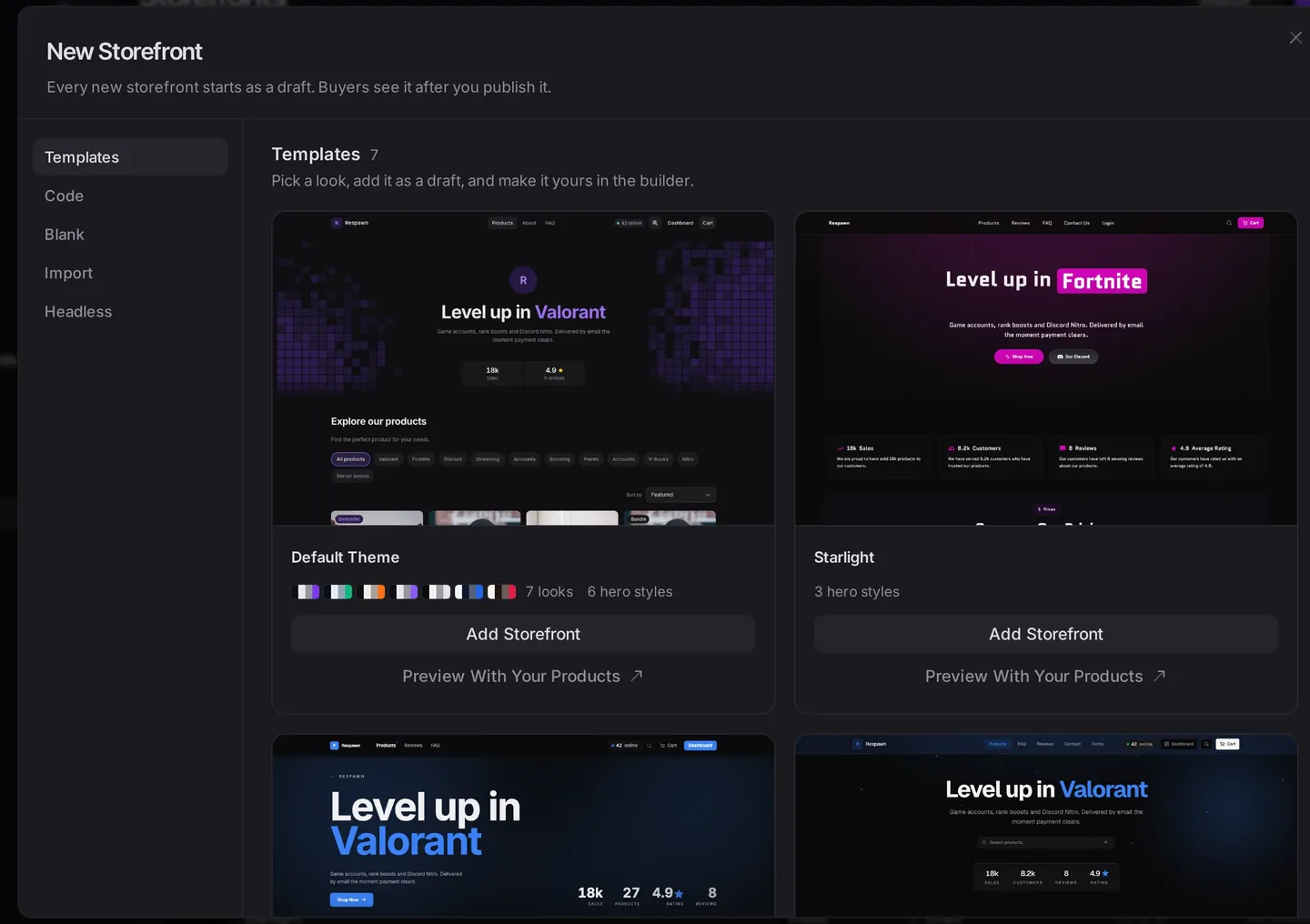
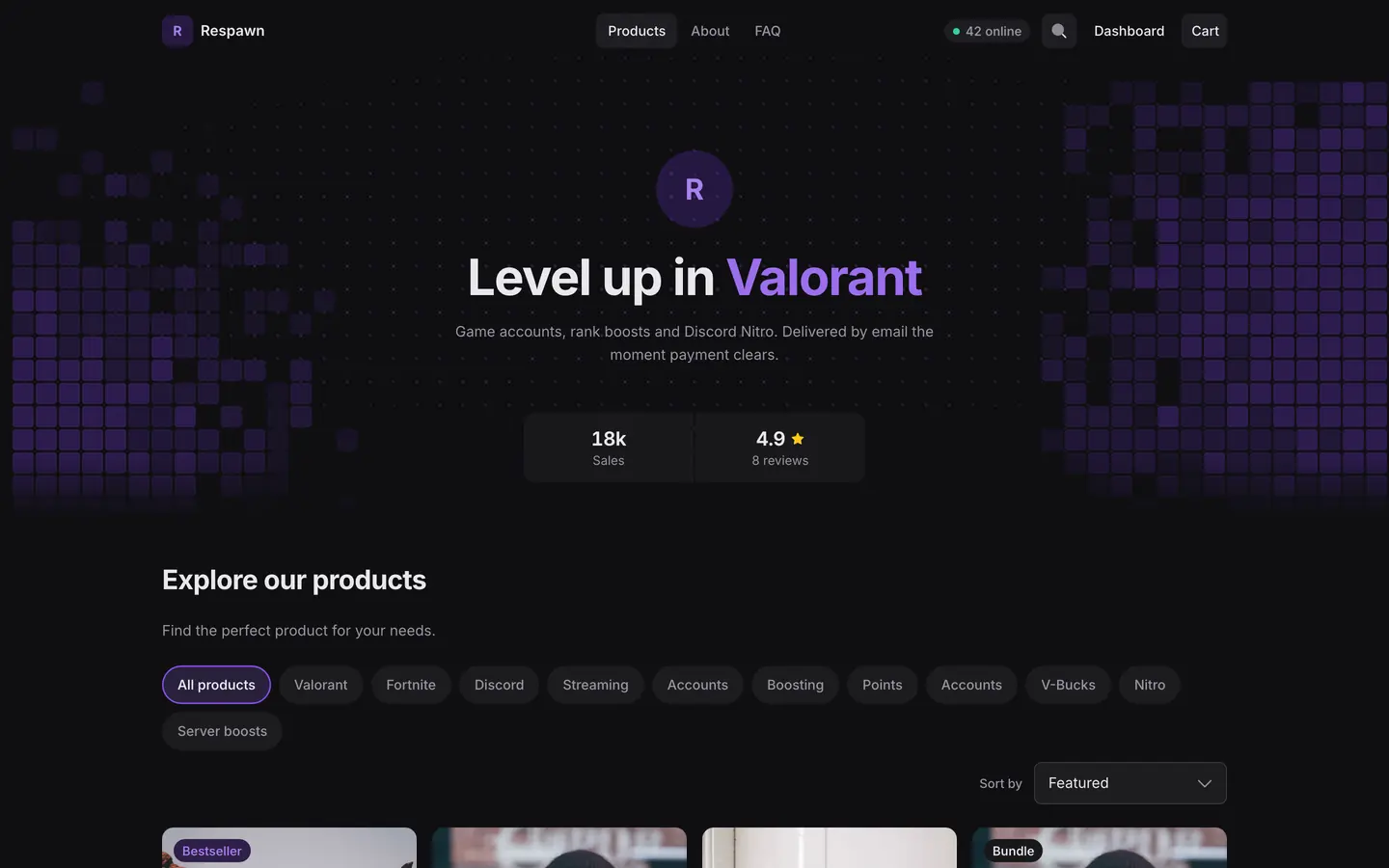
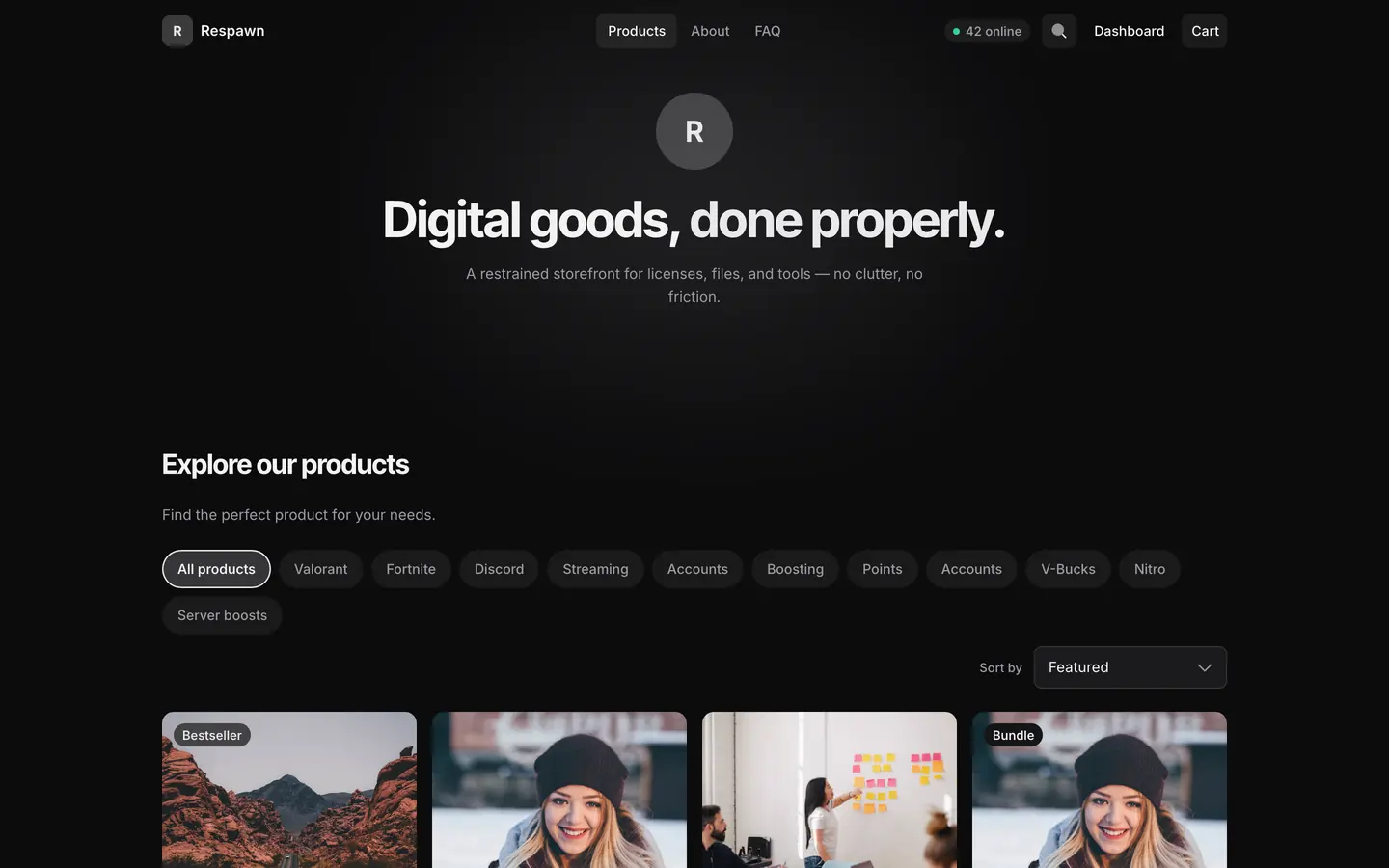
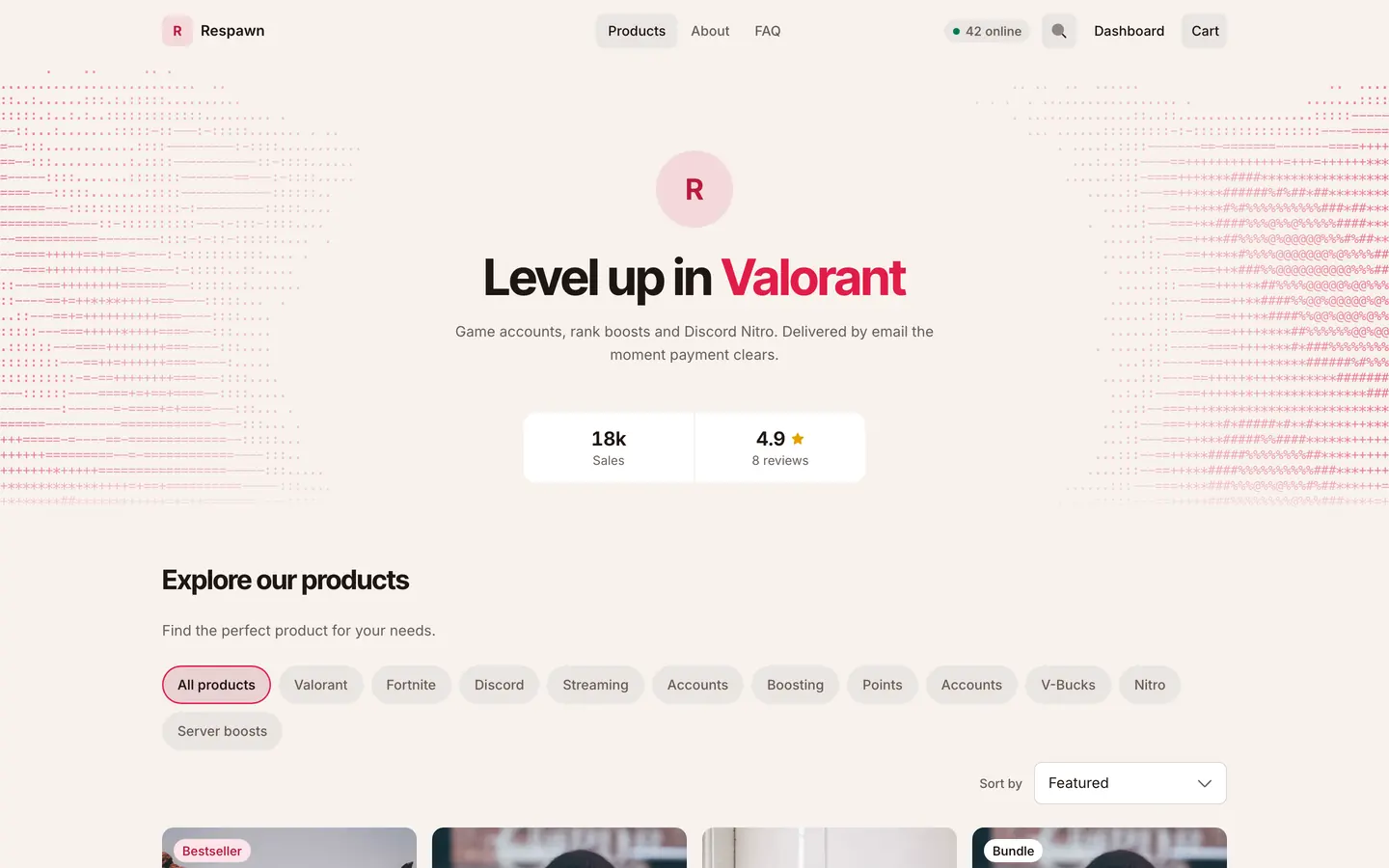
Seven Theme presets, six hero styles and new pages.
Faster
Faster pages
Stores, checkout and dashboard load less code.
New
Shoppex MCP
Run your shop from Claude, with a preview before every risky change.
Loadout: a new theme for the Builder and for code New
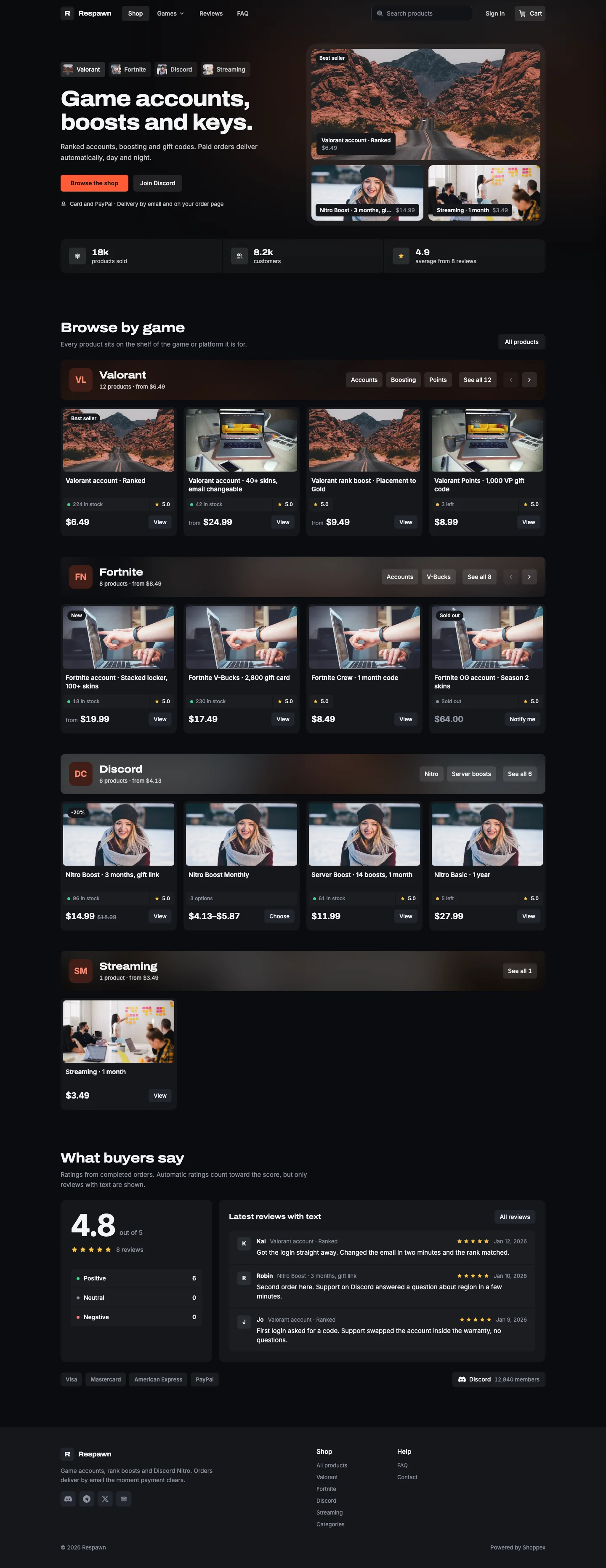
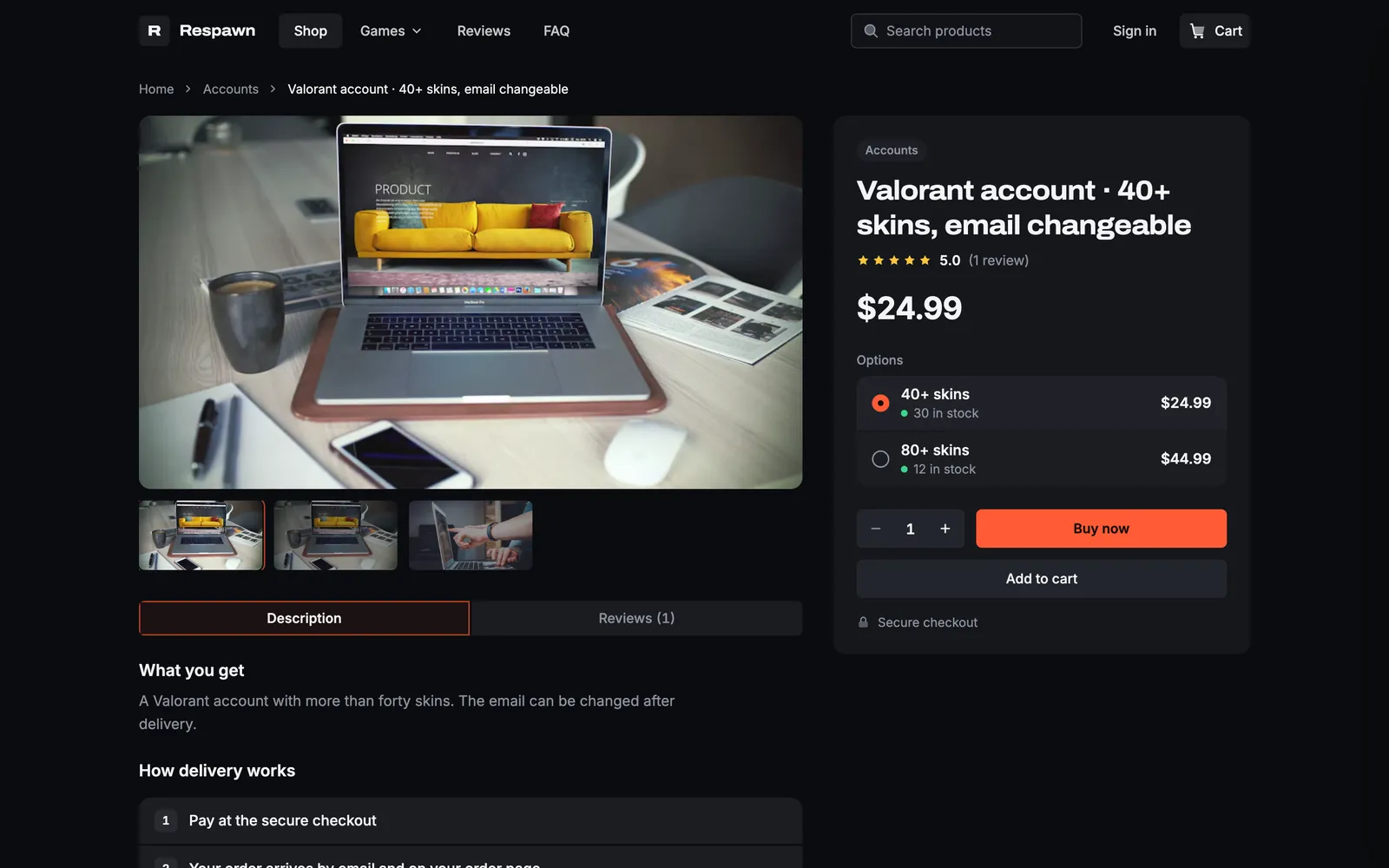
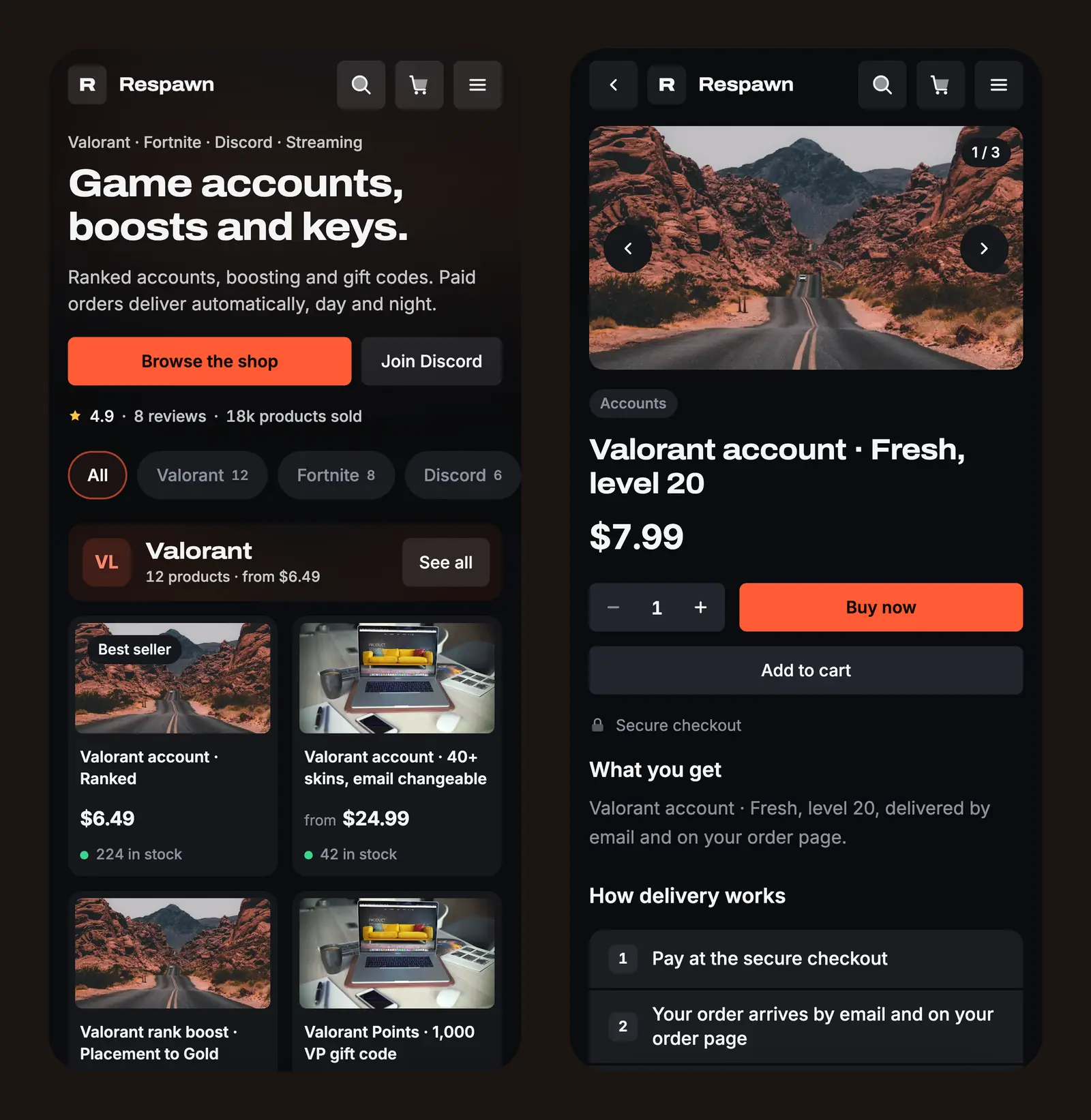
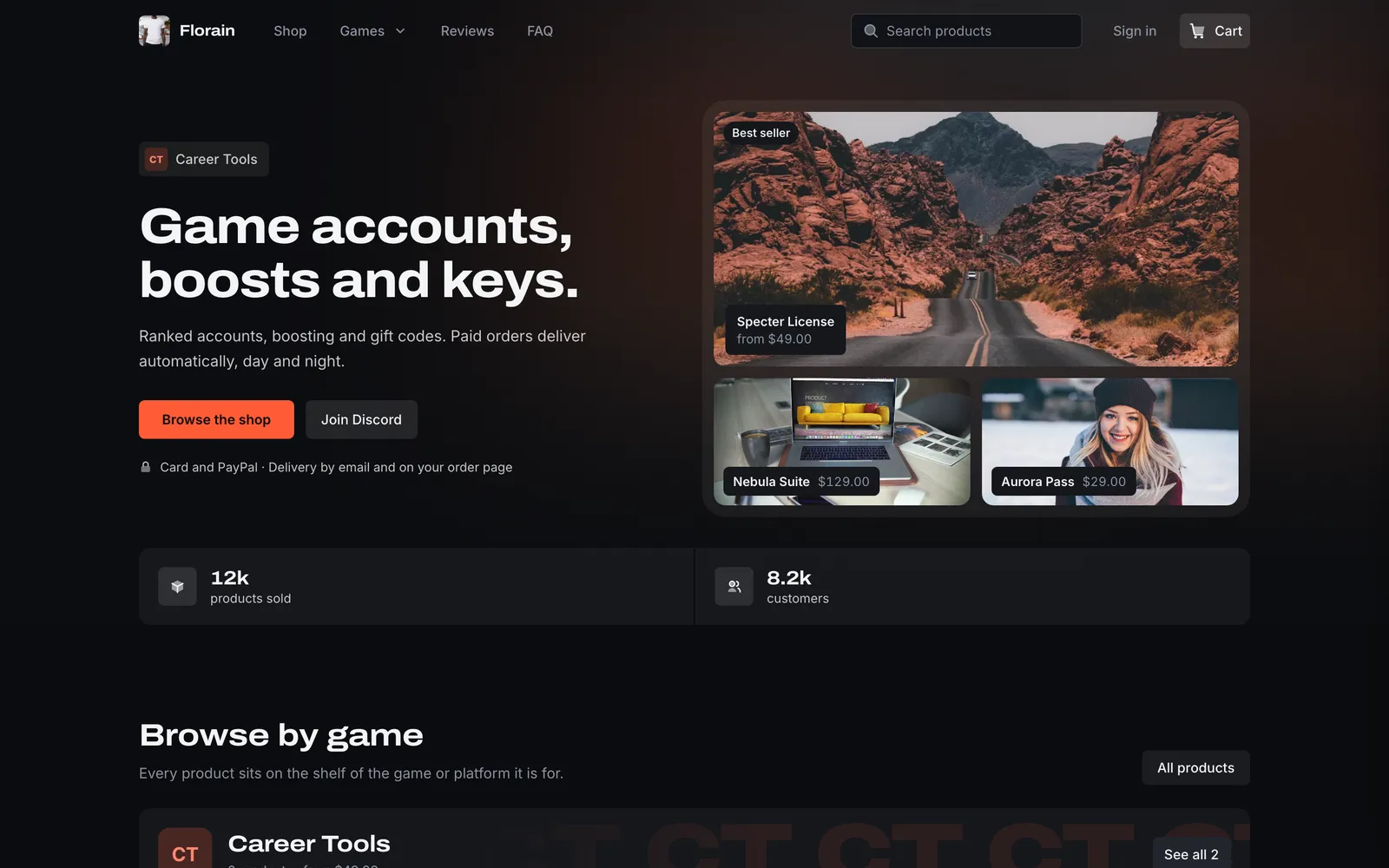
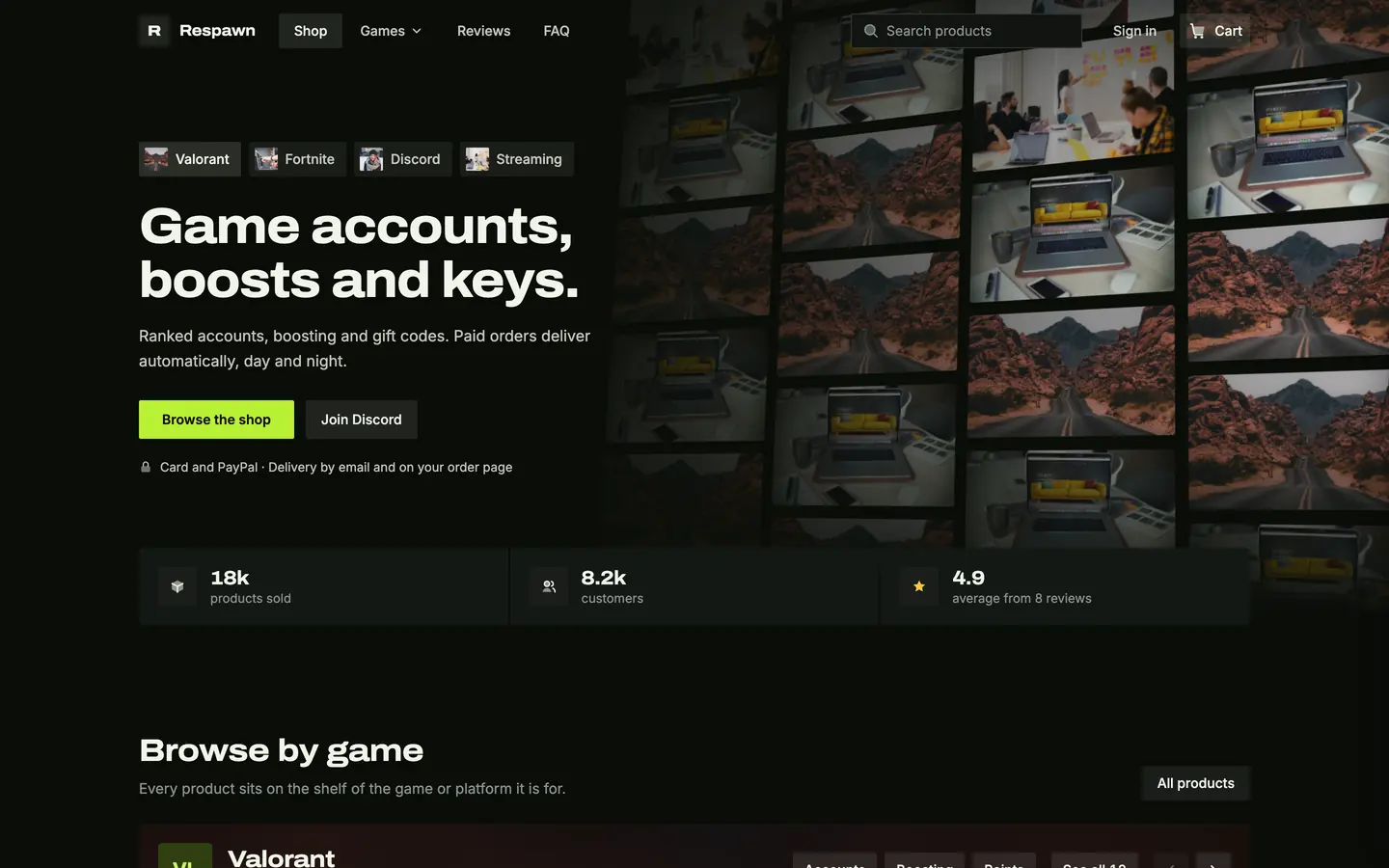
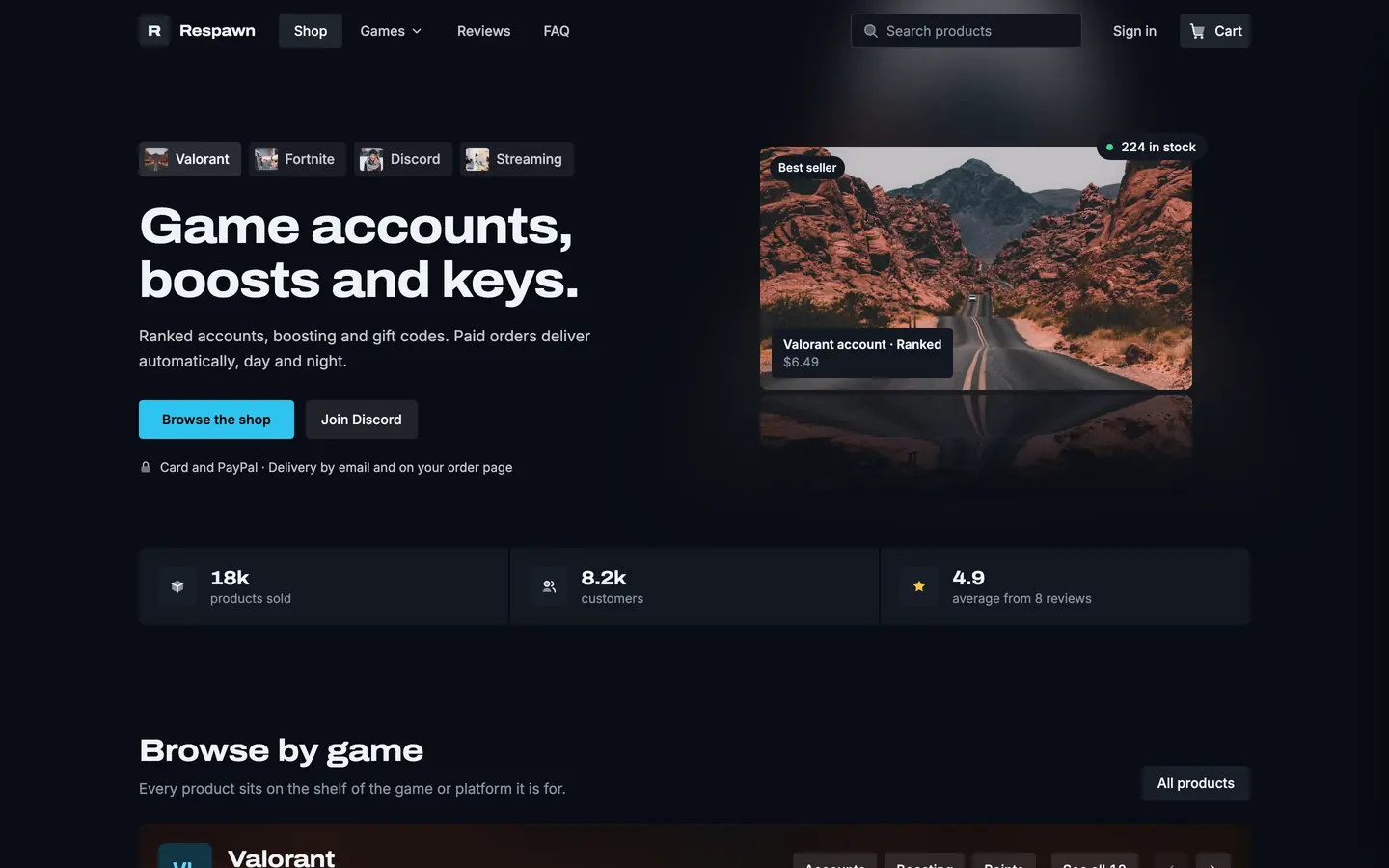
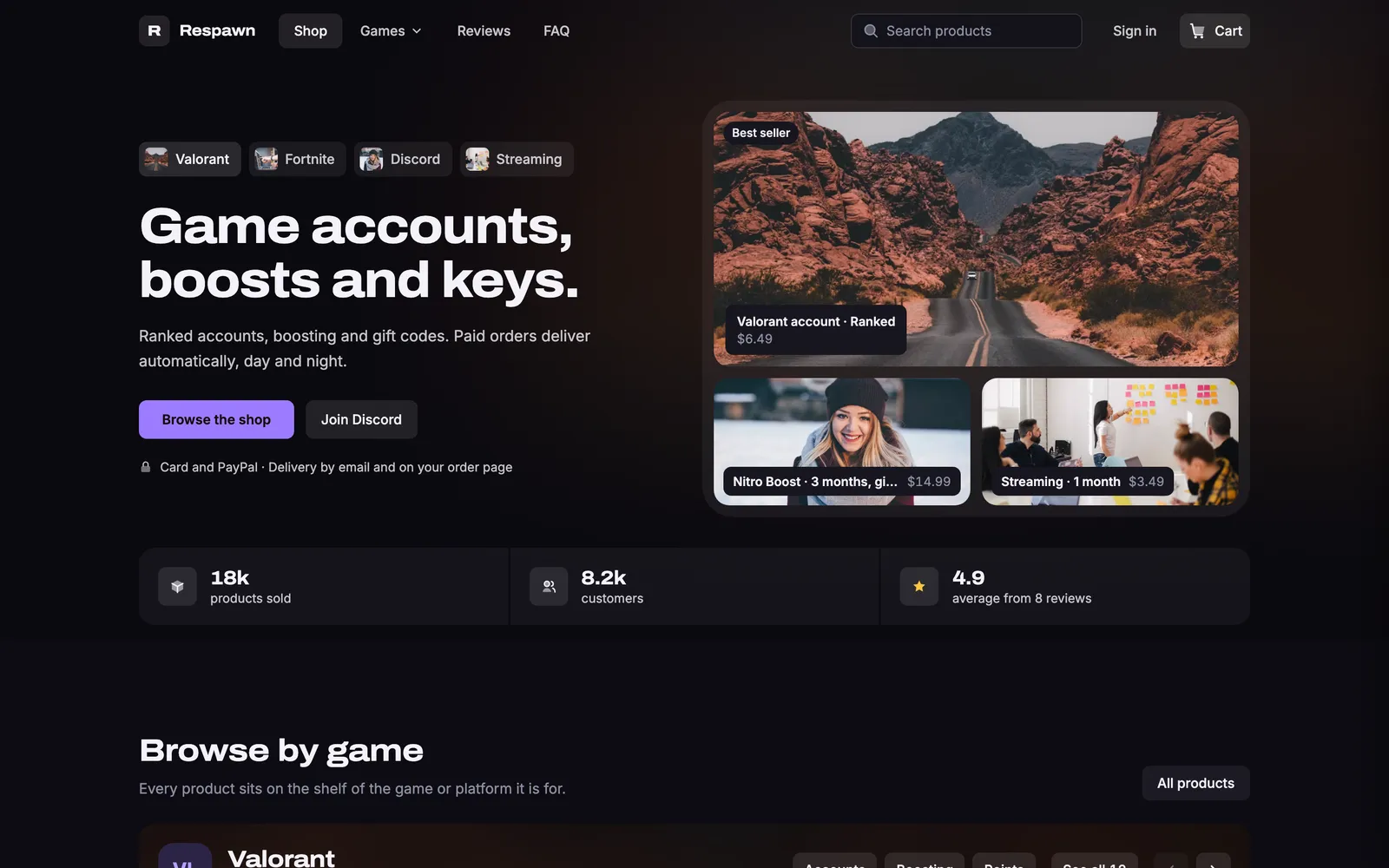
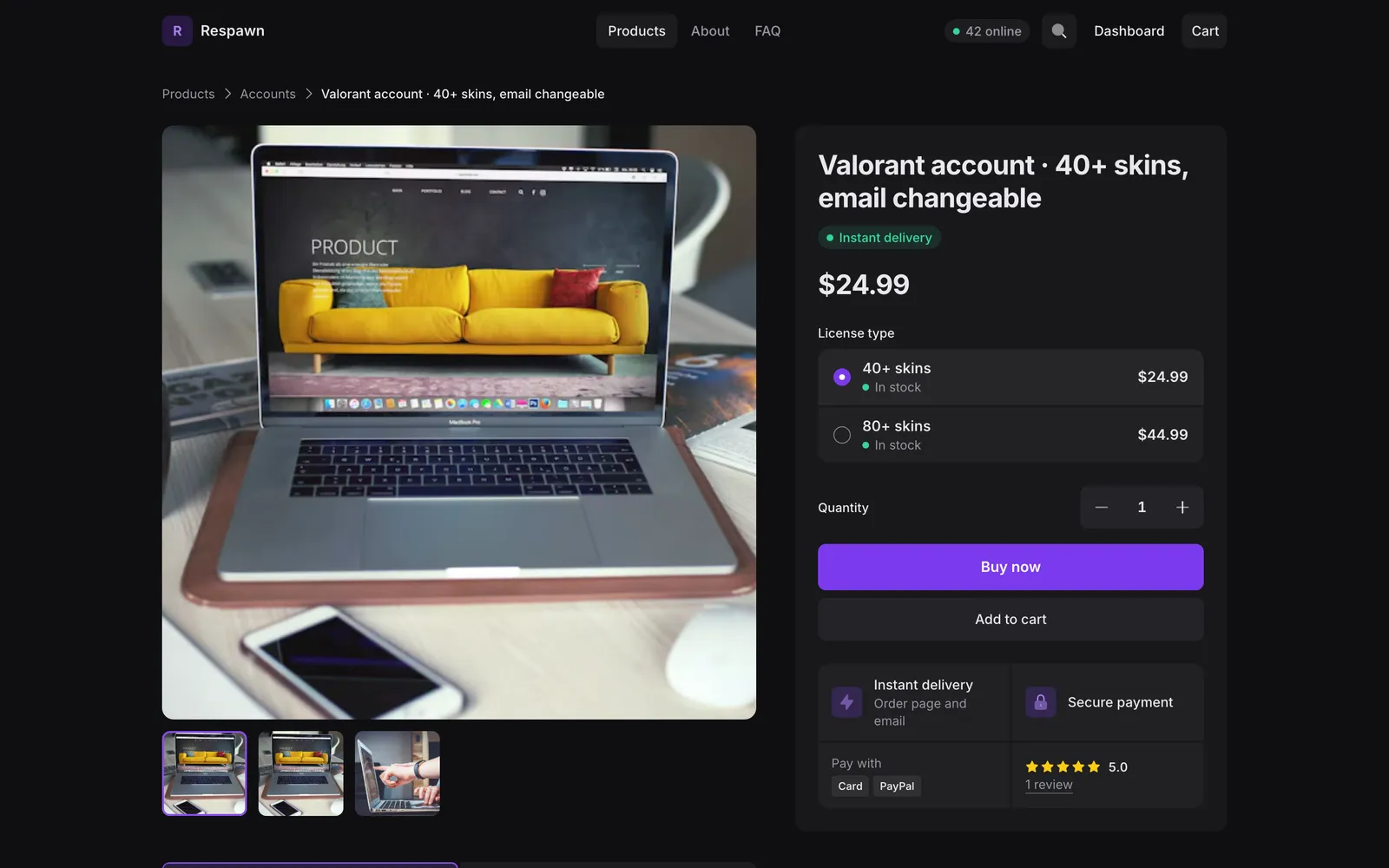
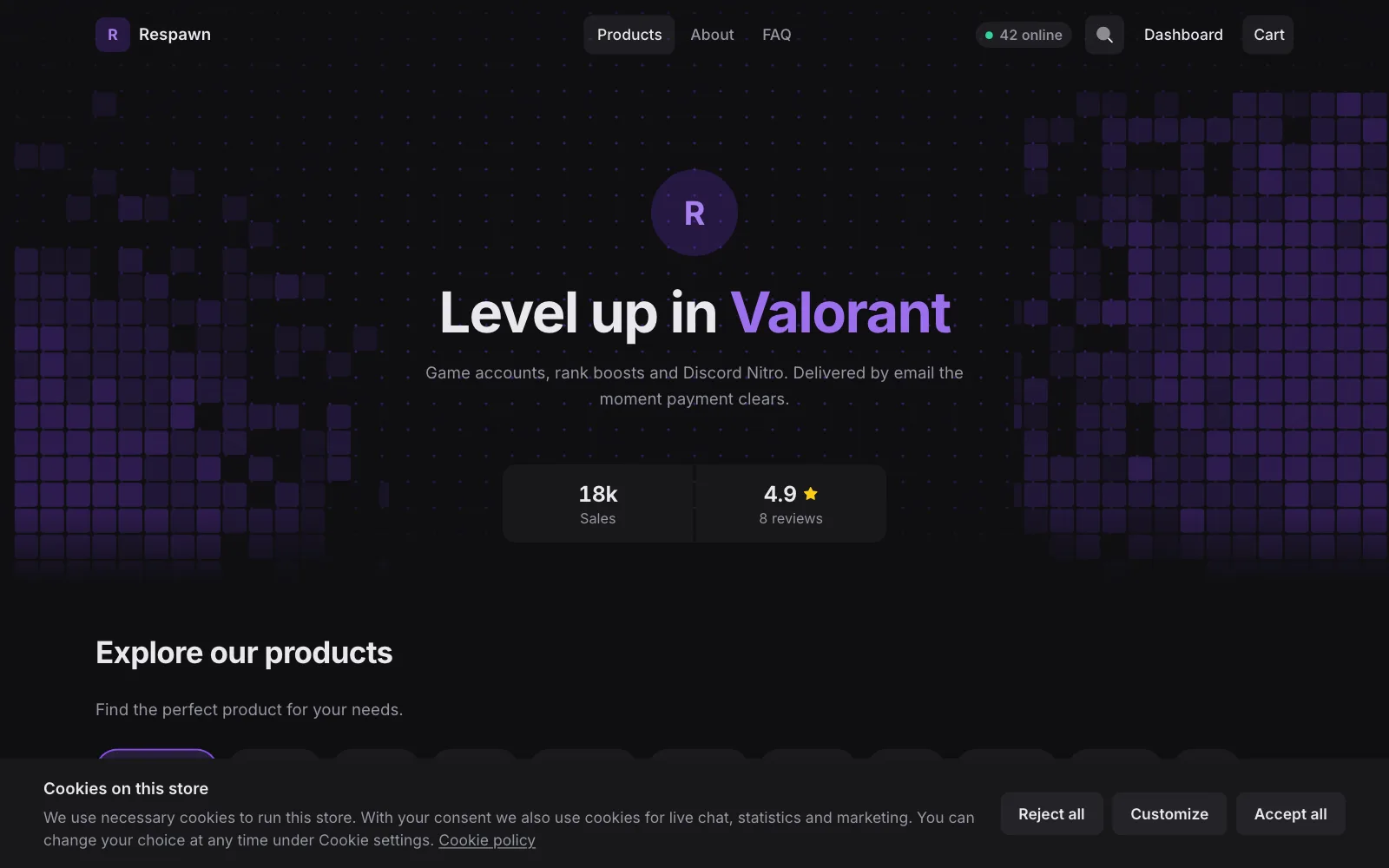
Loadout is a theme for stores that sell game accounts, boosts, keys and gift codes. It is dark, free, and looks the same in both ways to build a store.
In the Builder
Install Loadout from the Theme Store and edit it with blocks, like every other theme.
As code
Start a code storefront from the Loadout template and own the React source. Shoppex builds and hosts it for you.
Loadout, page by pageHome, 1 of 11
Scroll for the whole page
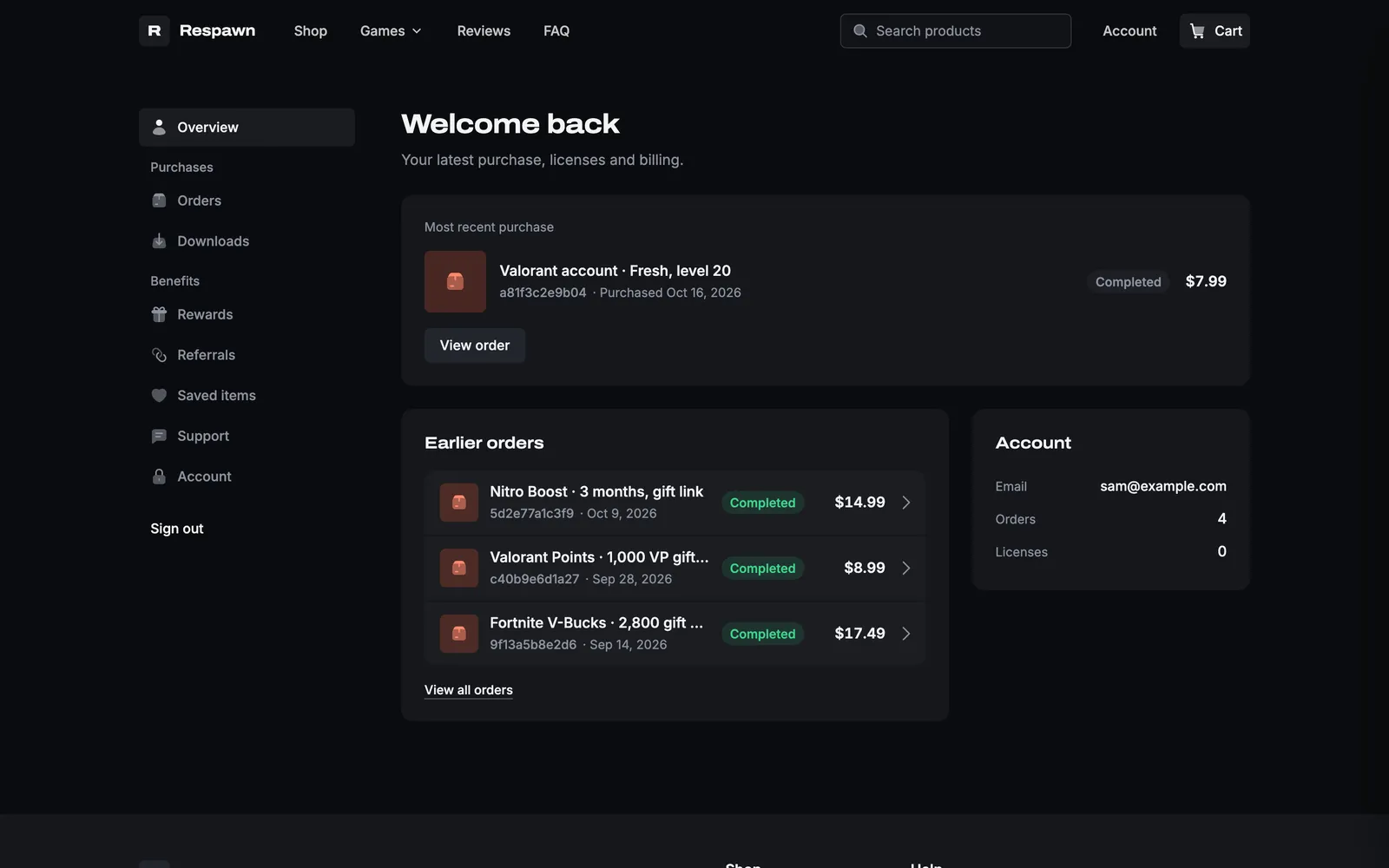
The whole home page: one shelf per game with sub-categories, from-prices and Notify me on sold-out products.
Shelves per game
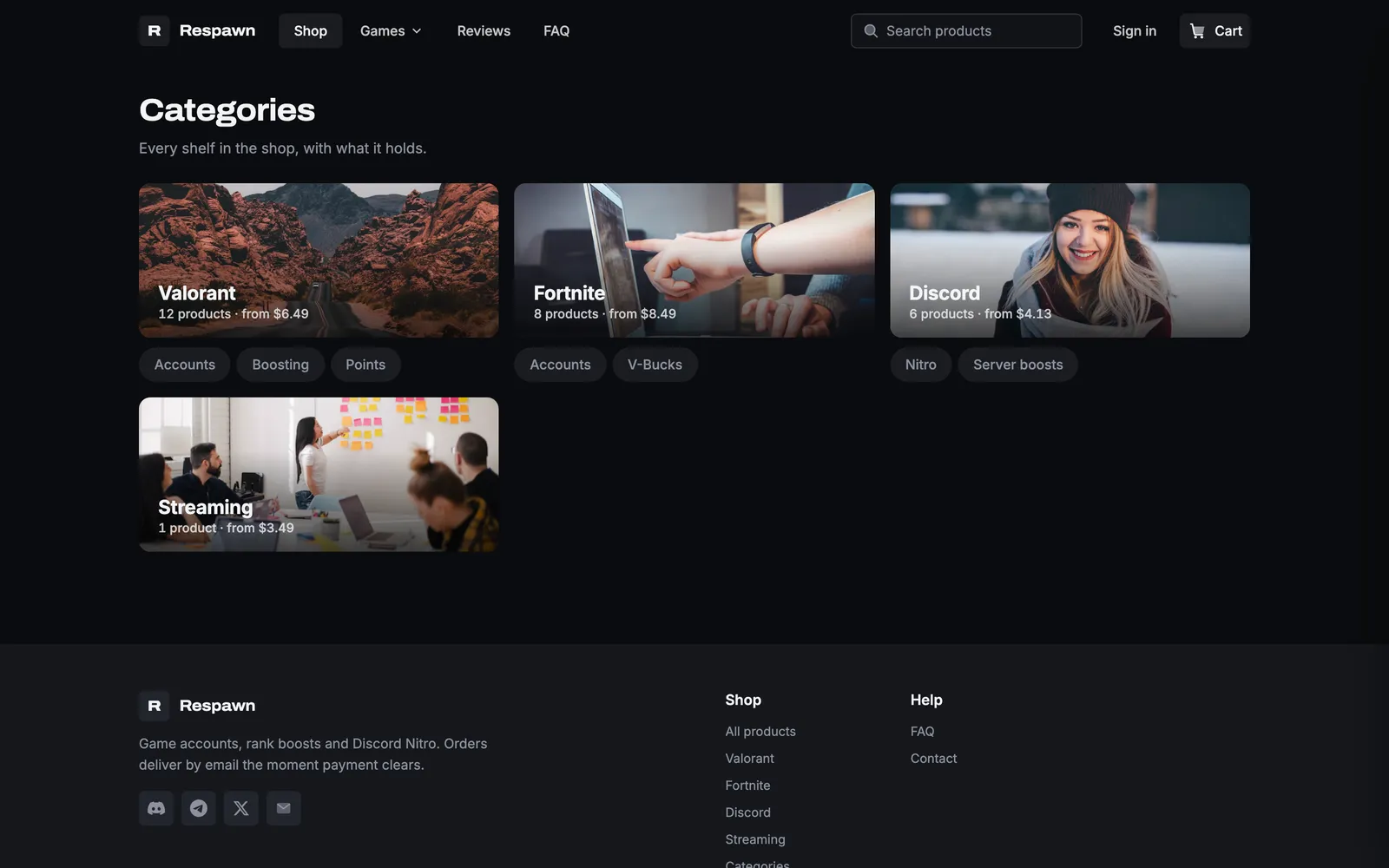
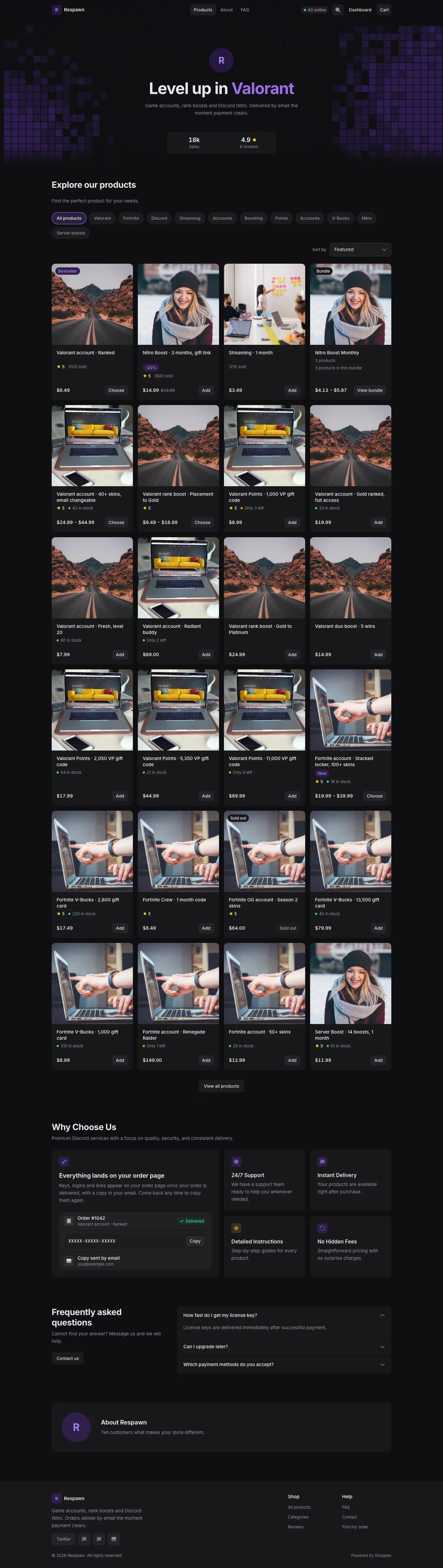
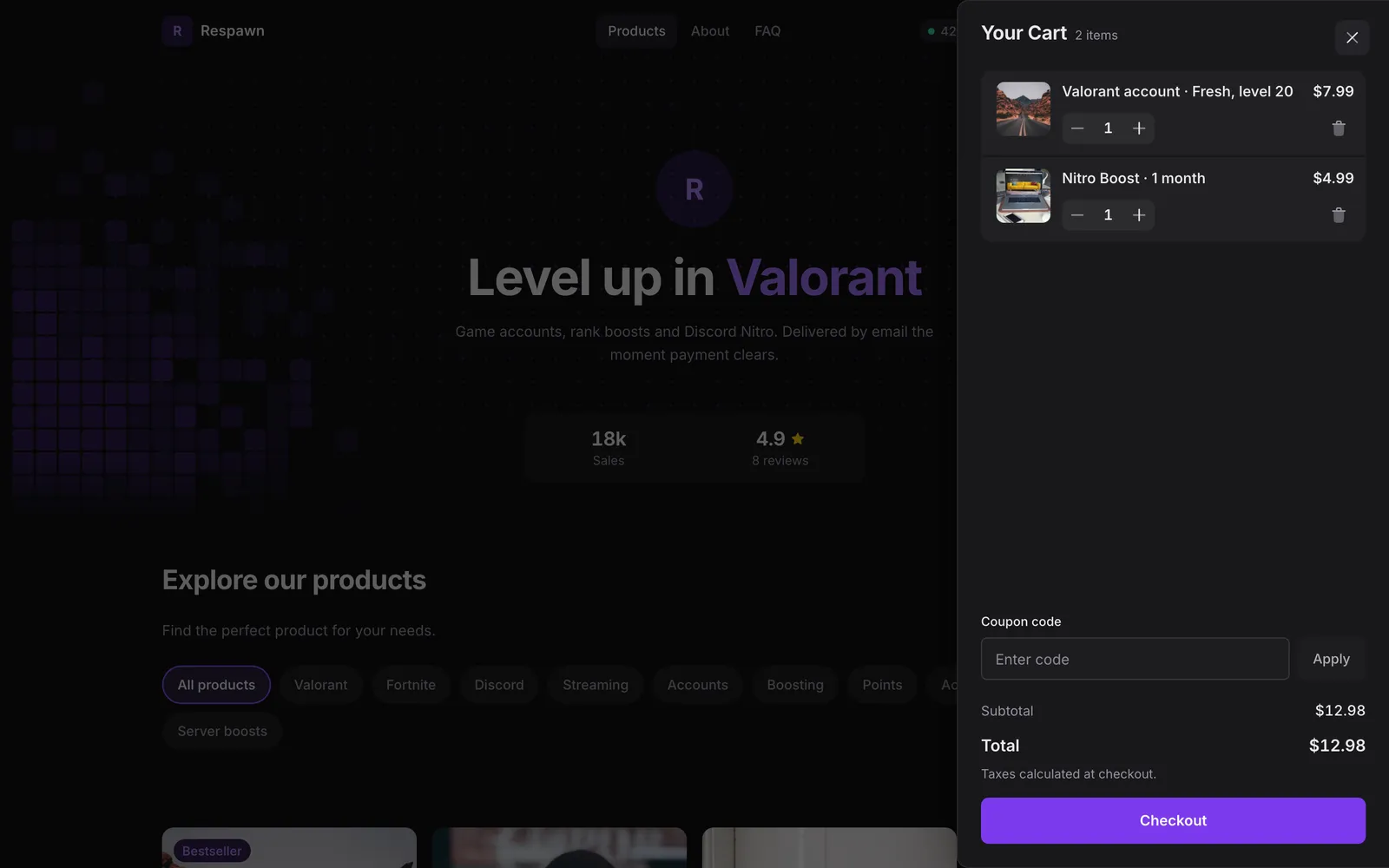
Every category gets its own shelf. The Games menu opens a panel of category tiles.
Art or logo
Shoppex tells artwork from logos. Logos sit on a plate instead of being cropped, and products without a picture show their initials.
Four looks, readable colours
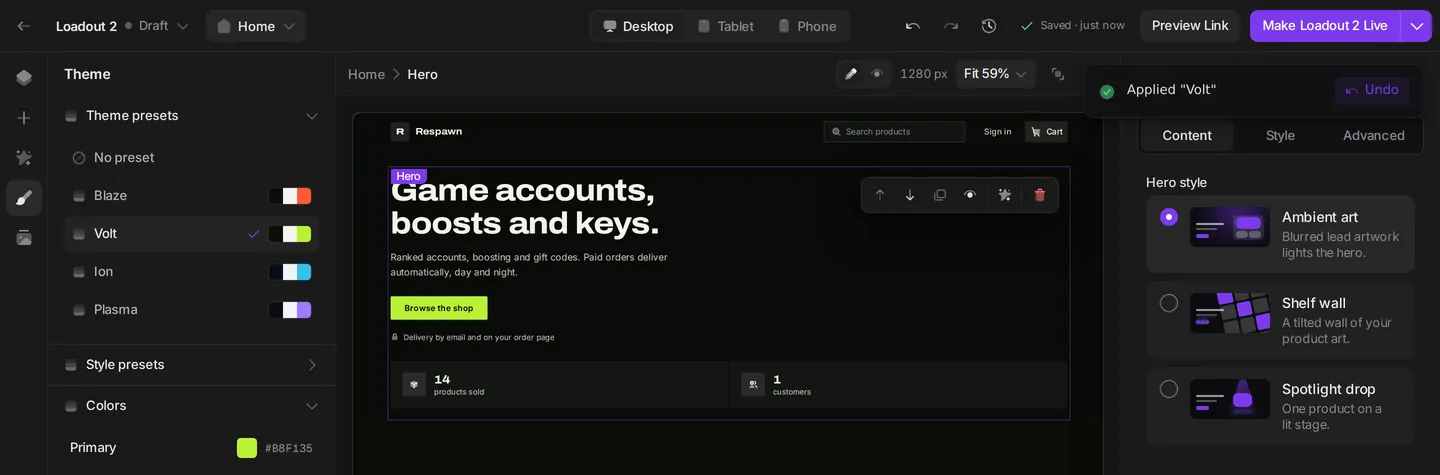
Pick Blaze, Volt, Ion or Plasma, then change the accent, background, text colour and card corners. Loadout refuses colour pairs that make text hard to read.
Three hero styles
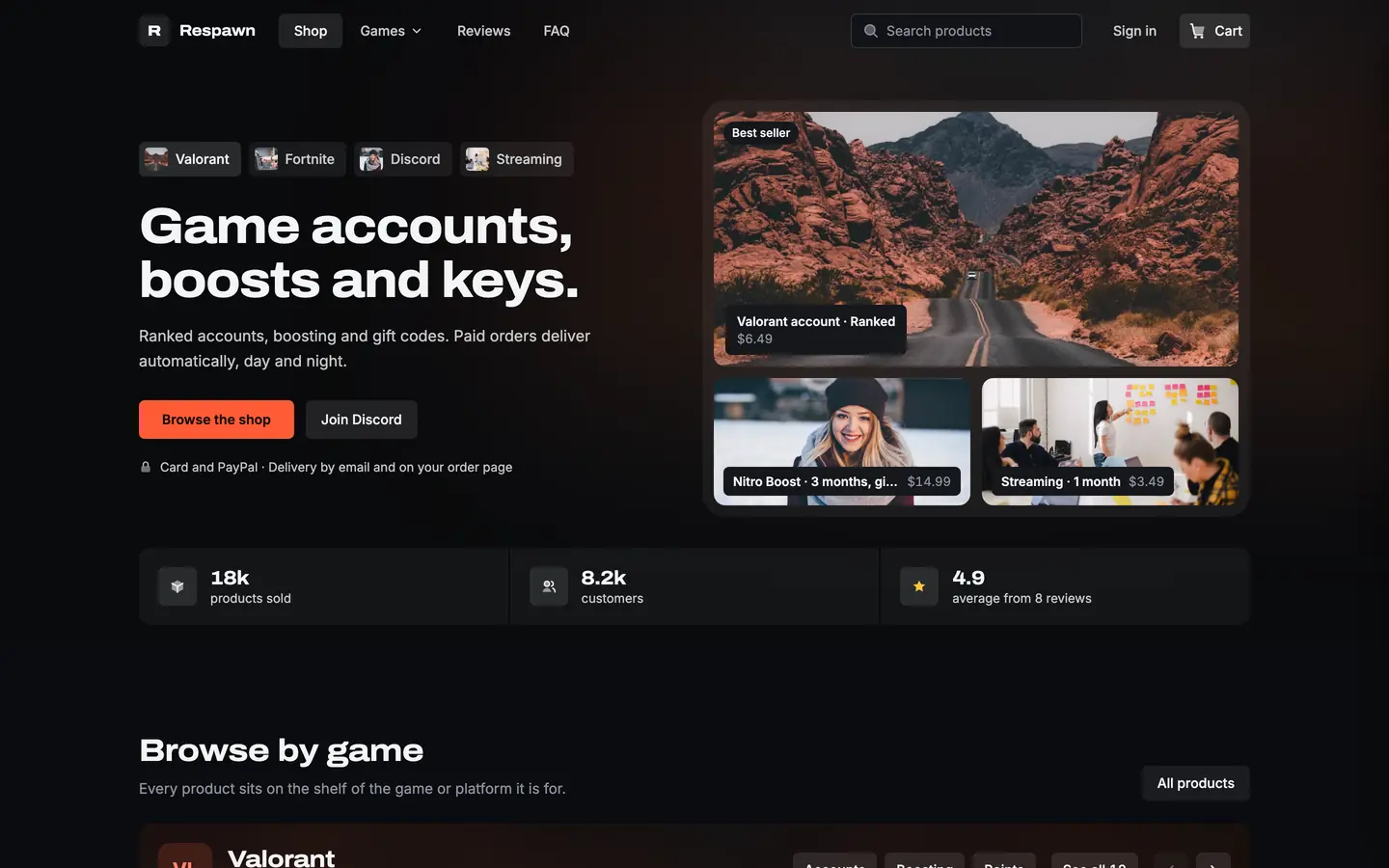
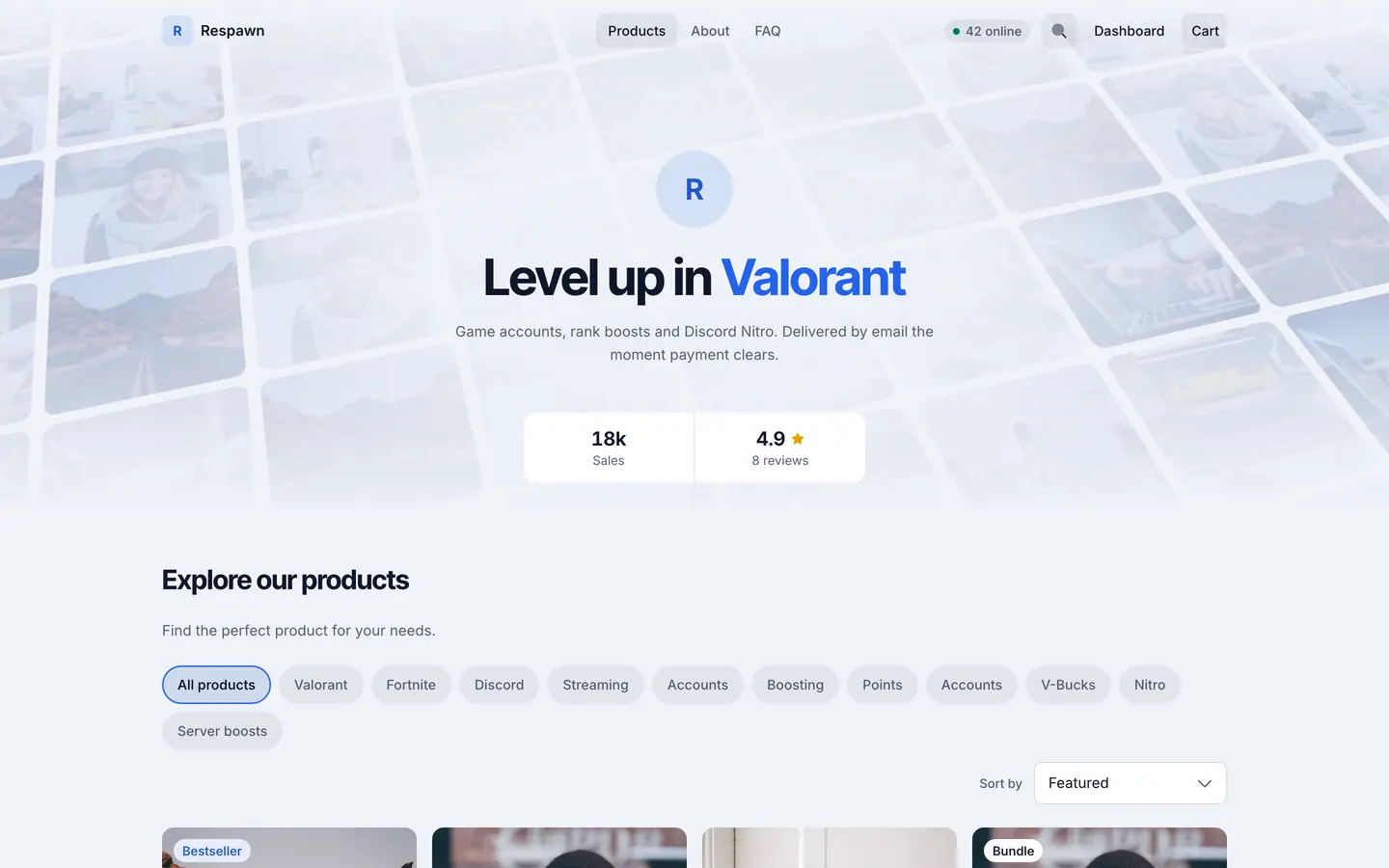
Ambient art, Shelf wall or Spotlight drop. Spotlight drop puts one product on a lit stage with a live stock, restock or countdown chip.
The whole home page: hero, the product grid with filters and sort, FAQ and footer.
New
Fill material
Raised surfaces, no borders, one accent colour. You pick a few colours, and Default works out every other shade while keeping text readable.
New
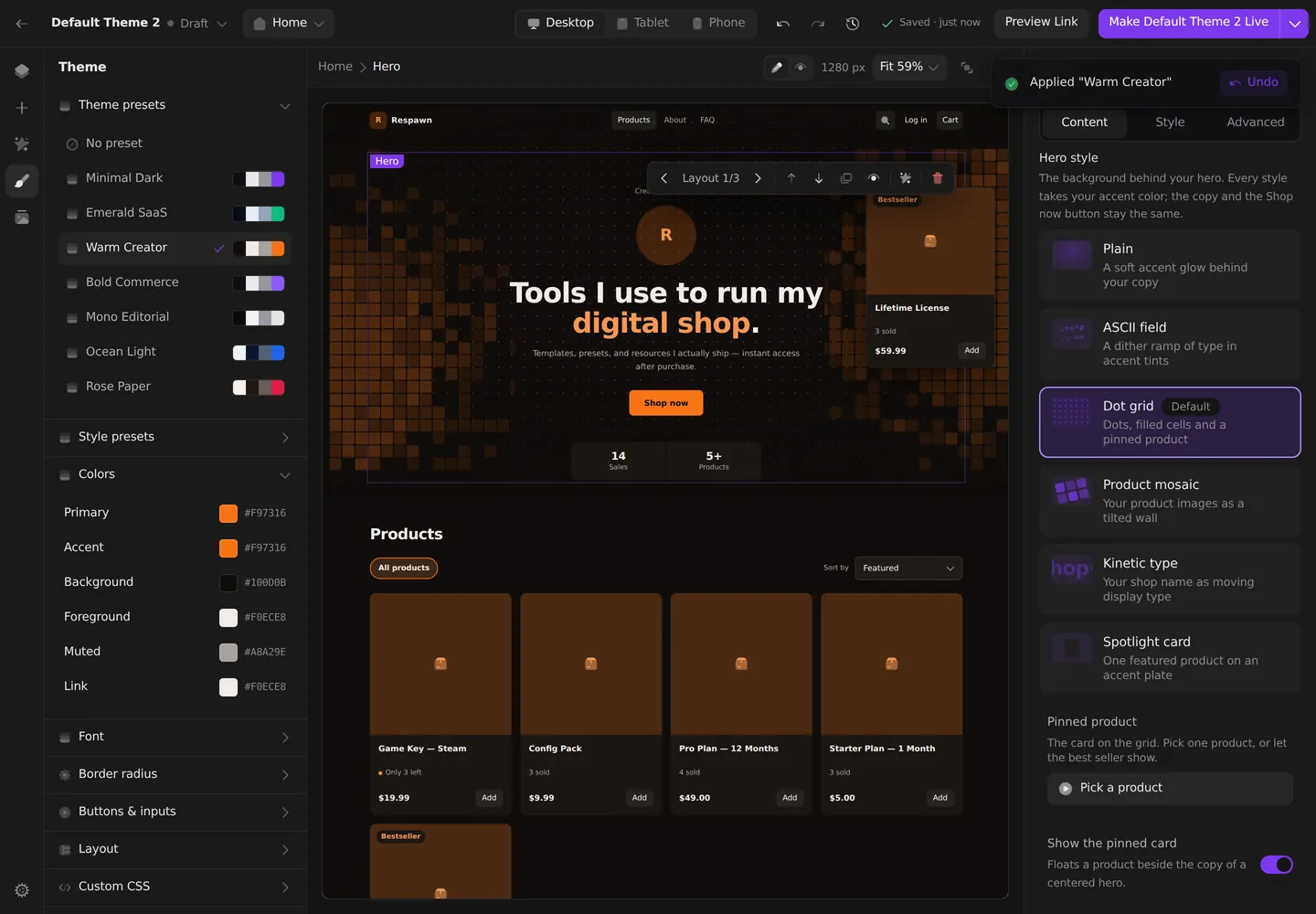
Seven Theme presets
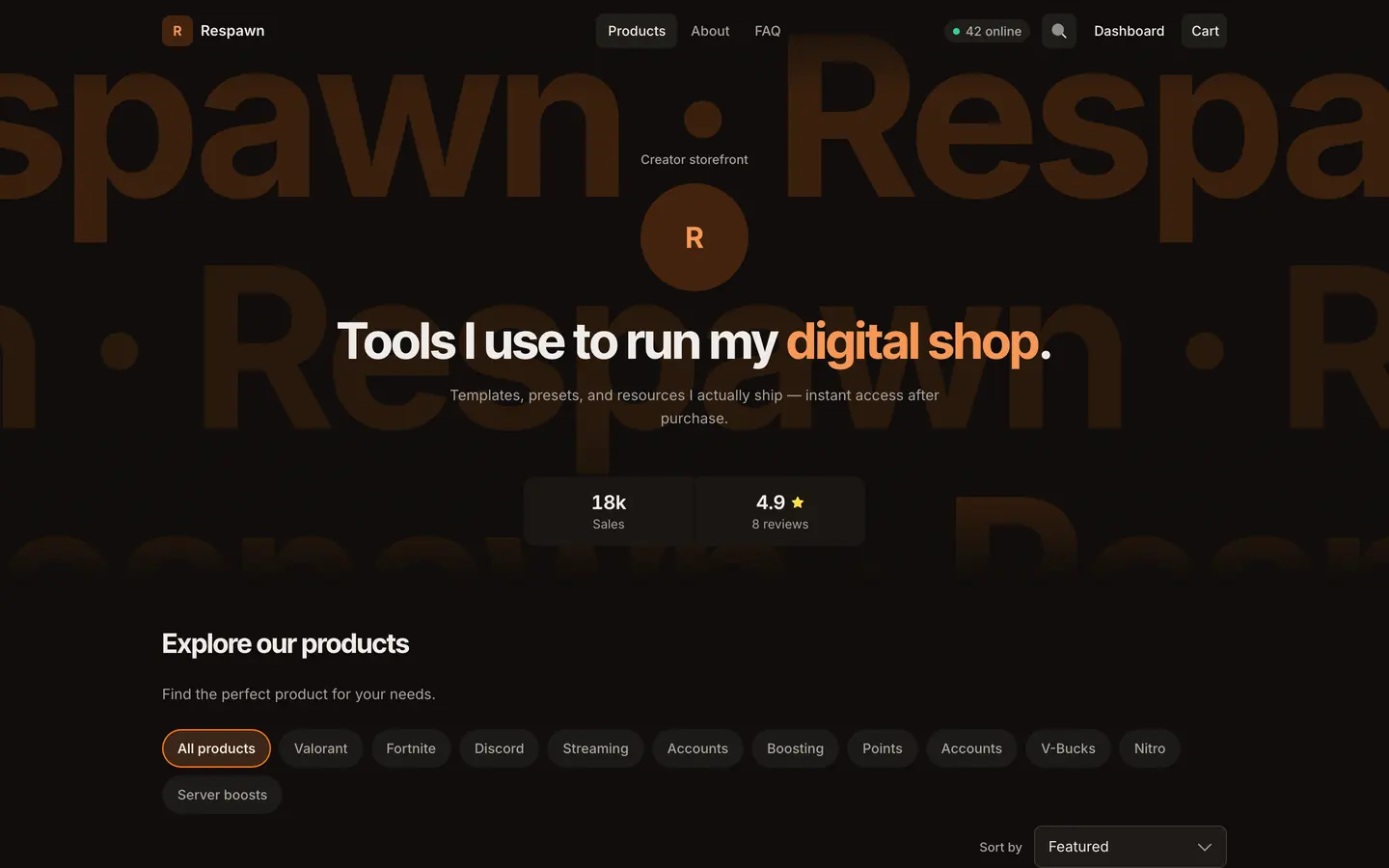
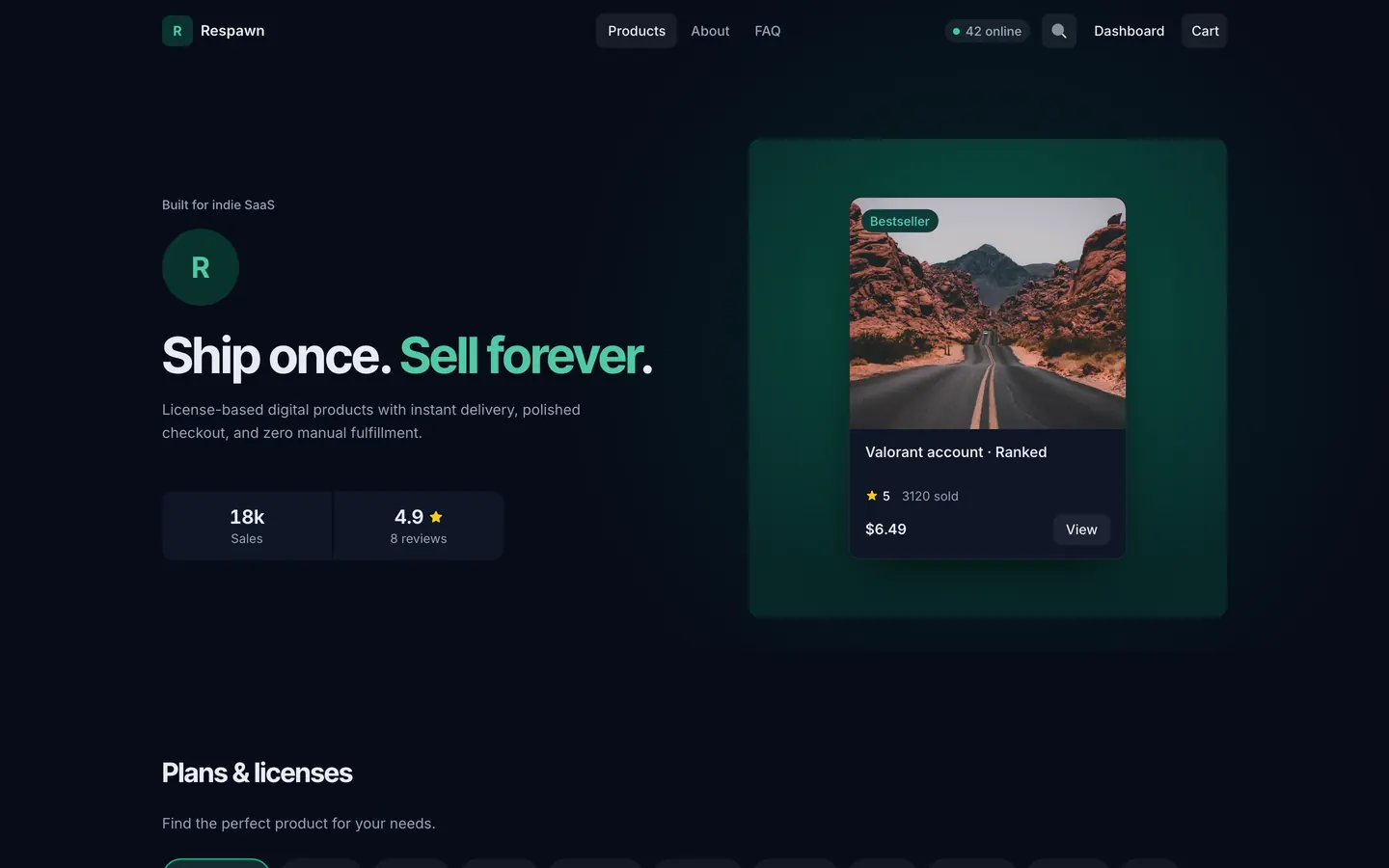
Minimal Dark, Emerald SaaS, Warm Creator, Bold Commerce, Mono Editorial, Ocean Light and Rose Paper. One click styles the whole store, and you can still change any colour.
New
Six hero styles
Each style draws its own background and leaves your text and buttons alone.
Improved
Product page
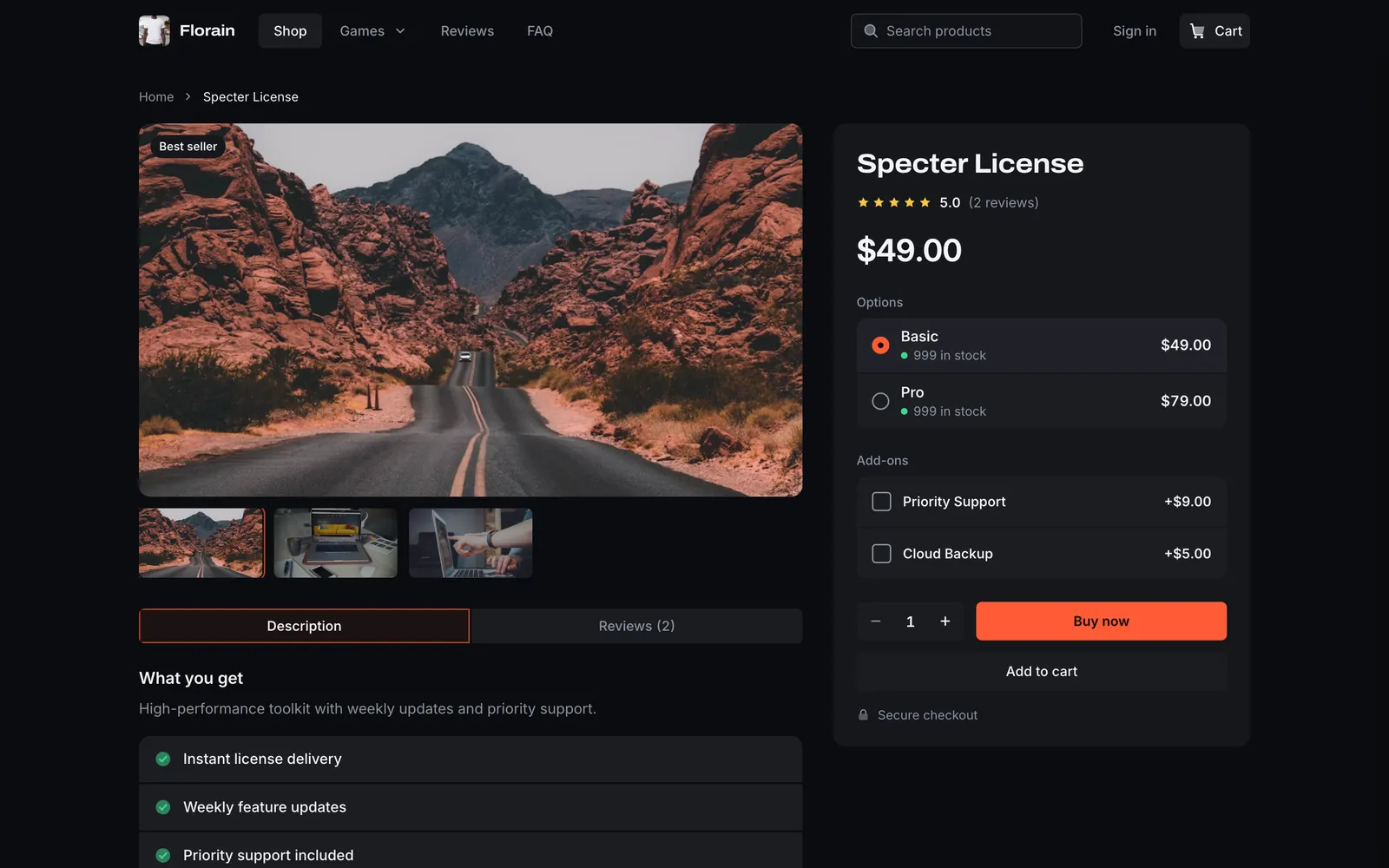
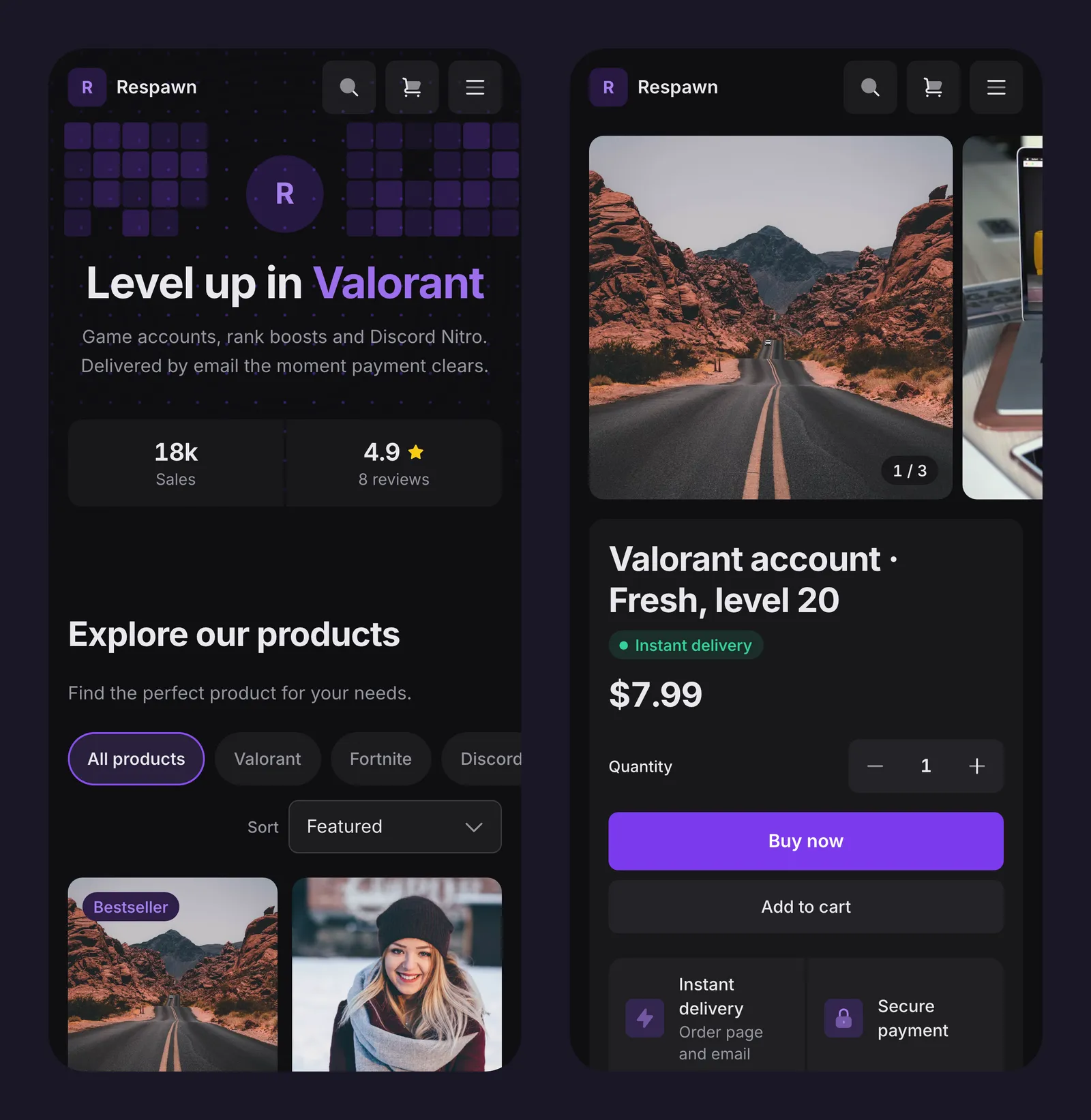
Options as rows or tiles, up to eight rows of your own facts and five related products. The discount badge only shows when there is a real discount.
Improved
Search, cart and account
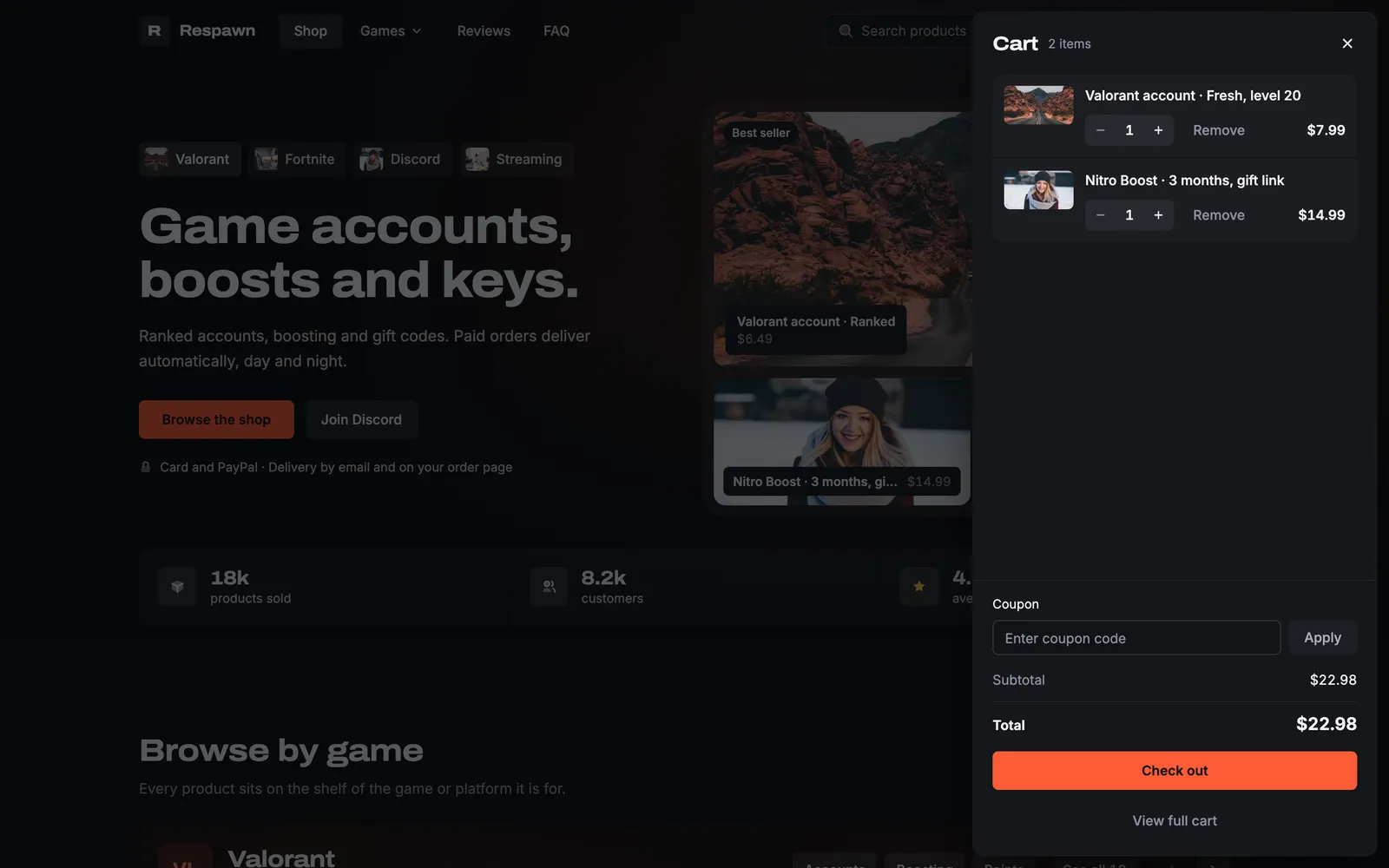
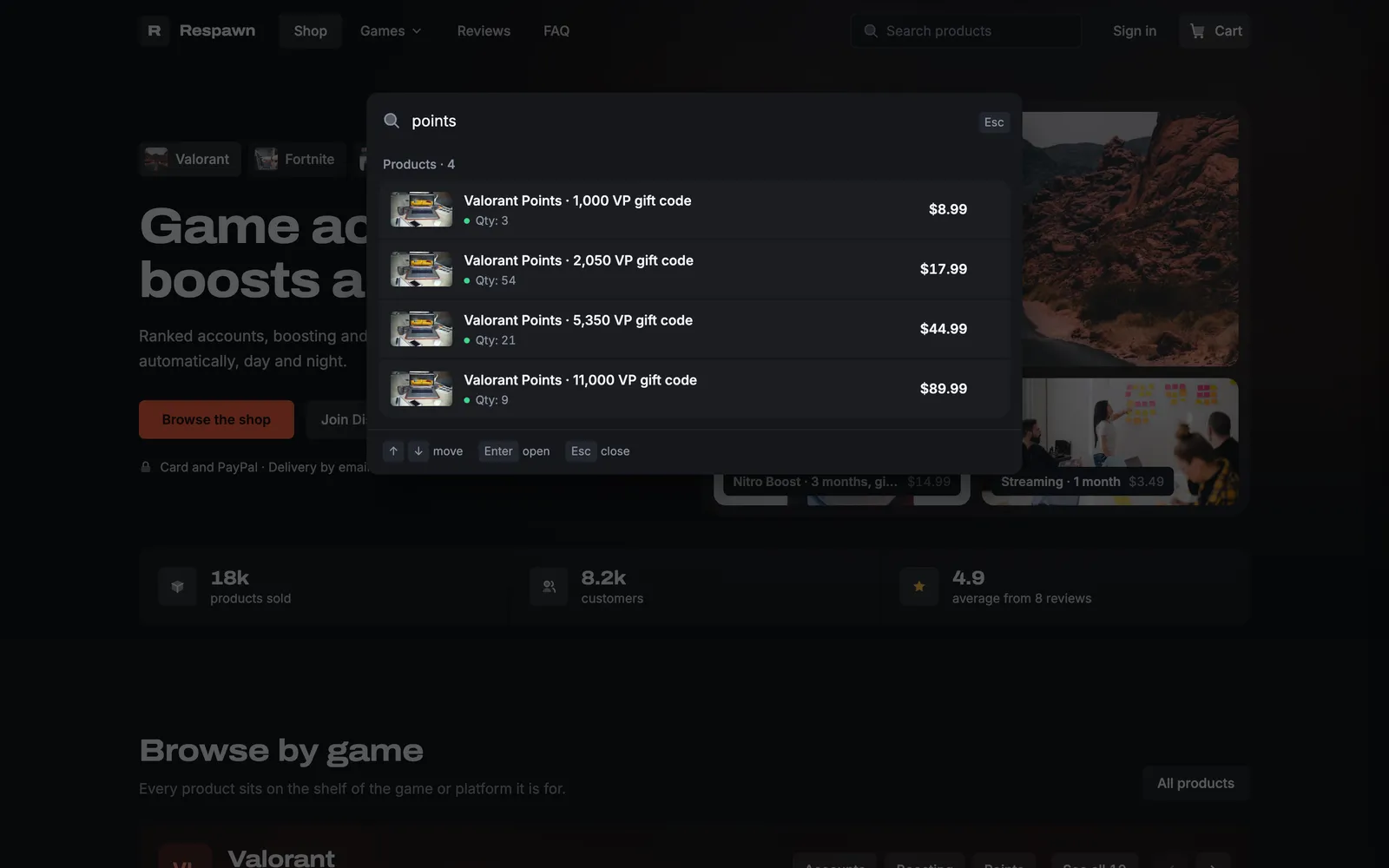
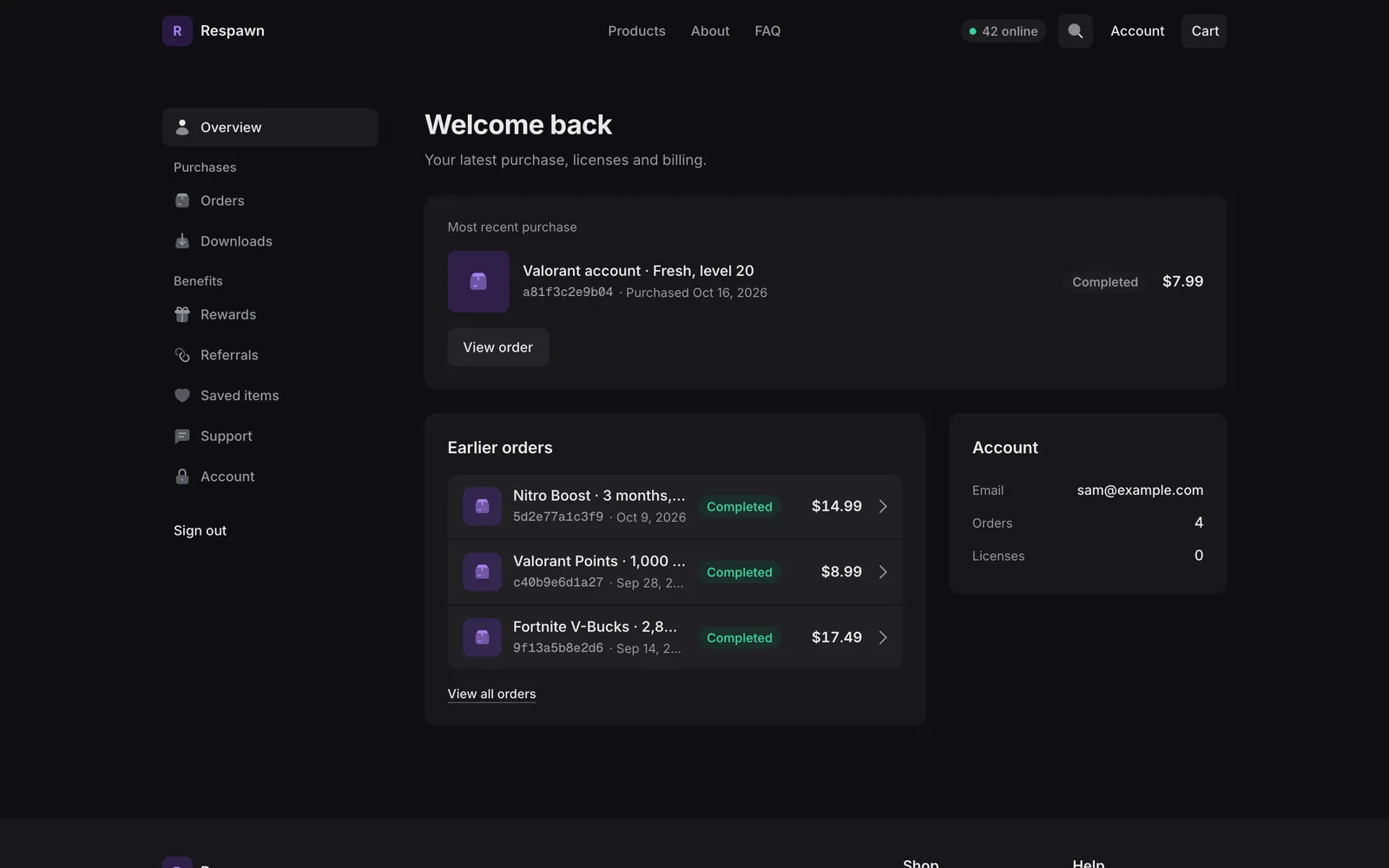
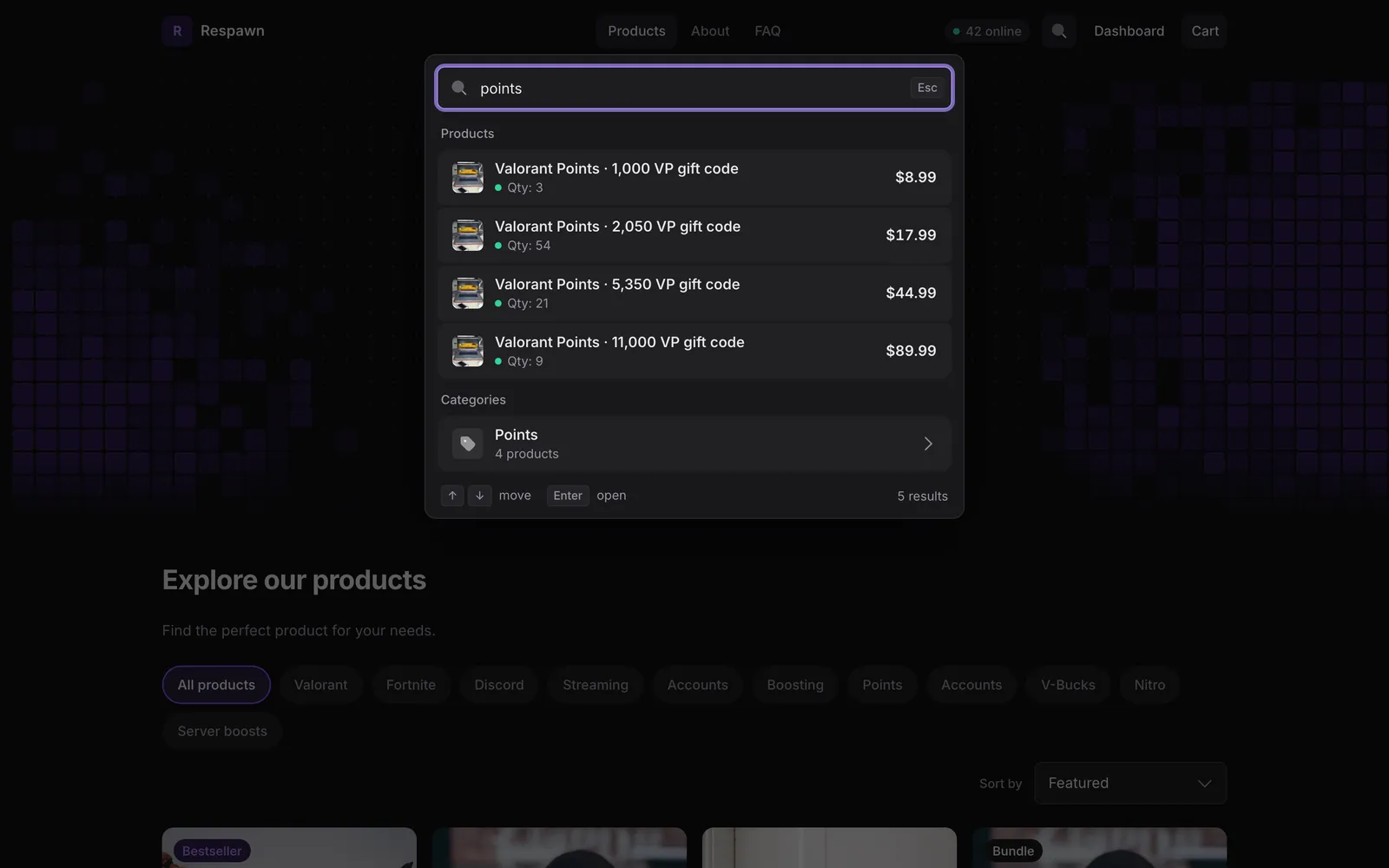
Search finds products and categories from the keyboard. On a phone the cart opens as a bottom sheet. Signed-in buyers see Account in the header.
New
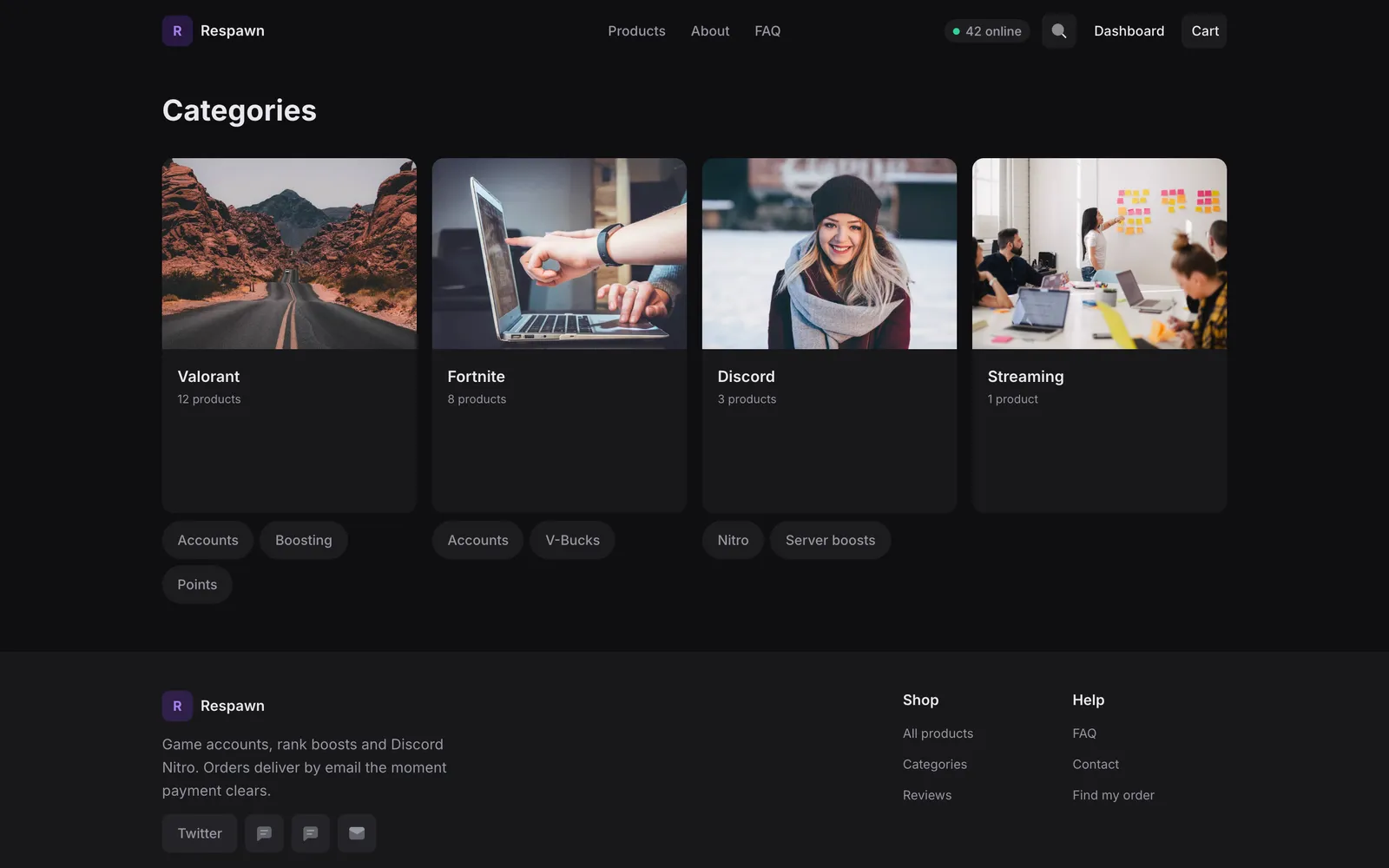
Categories page
Every live Default store now has a /categories page with a tile for each category.
Default hero styles, each in a different Theme presetDot grid, 1 of 6
Dot grid, the default: dots, filled cells and an optional pinned product card.
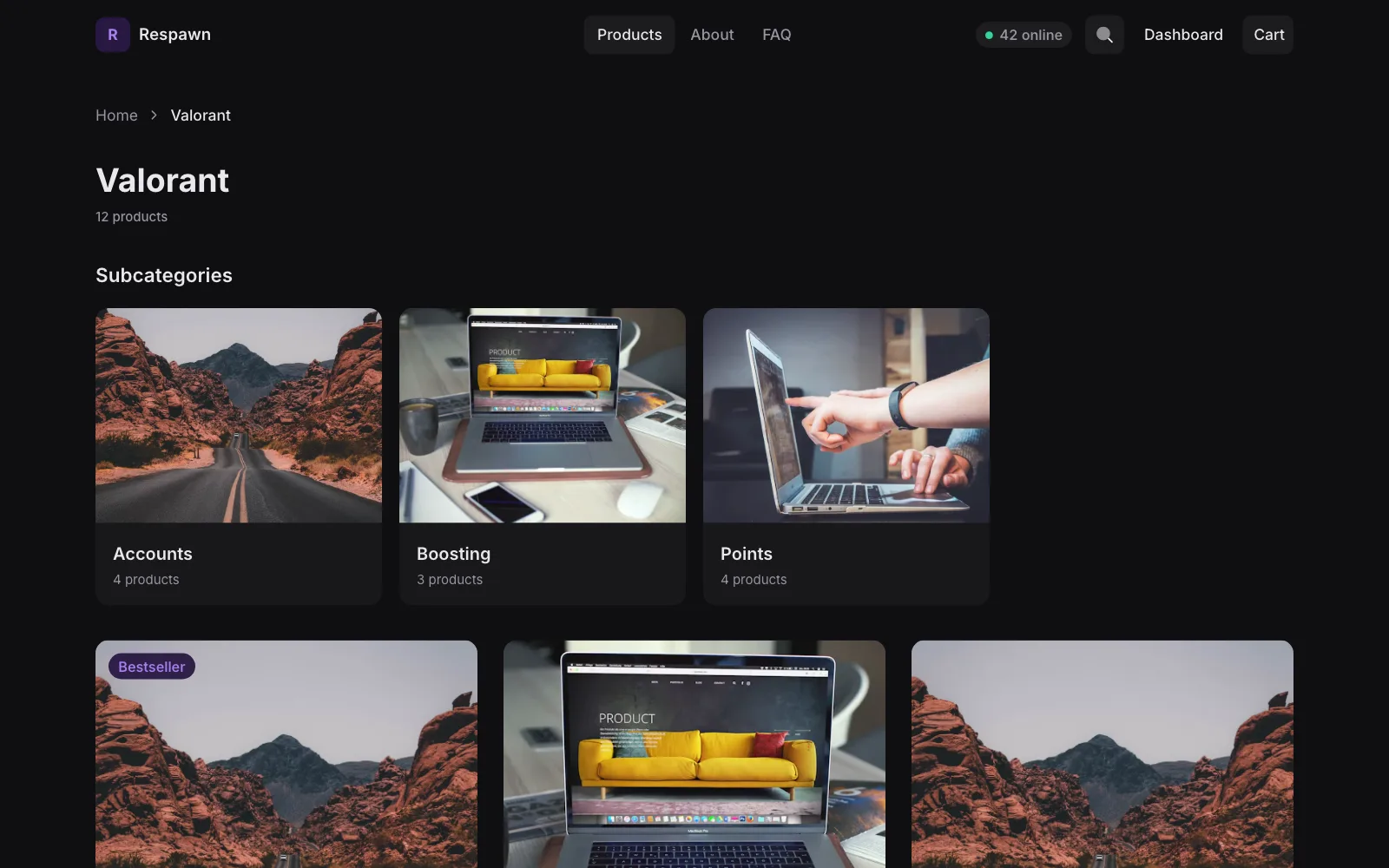
Every category gets its own page with breadcrumbs and tiles for its sub-categories, on every theme. Pick a Parent category to nest them, up to 3 levels, and edit each slug.
New
Legal pages
Terms, privacy, refund, shipping, cookies, imprint and withdrawal, on every theme. Write them under Settings › Legal Pages and choose which ones the footer links.
New
Cookie banner
Buyers pick Accept all, Reject all or Customize. Analytics, marketing and chat tags load only after they agree, and Google tags get the choice through Consent Mode v2. The banner speaks 16 languages. Set it up under Settings › Cookie Banner.
New
Four new blocks
Discord Server shows your server with live member and online counts and a Join server button. Vouch Wall shows buyers’ written reviews. Purchase Ticker shows your latest sales, never the buyer. Status Chips show a status you set, like Undetected or Updating.
New on every themeCategory page, 1 of 3
A category page with its sub-categories, here in Default.
Faster stores, checkout and dashboard Faster
Builder stores used to load one script for everything. Now every page loads a small core first, and the cart, search and account code load when a buyer needs them. The checkout, the embed and the dashboard load less code too.
Before and after, measured
Code every store page downloads first2.0SplitNowlower is better
Download size (Brotli-compressed) from the production build. 2.0: one script for everything. Split: the core after cart, search and account moved out. Now: the core after the account code moved out too. After the split a product page loads 63.4 KB in total, a Starlight home 62.9 KB.
Shoppex MCP: your shop in Claude New
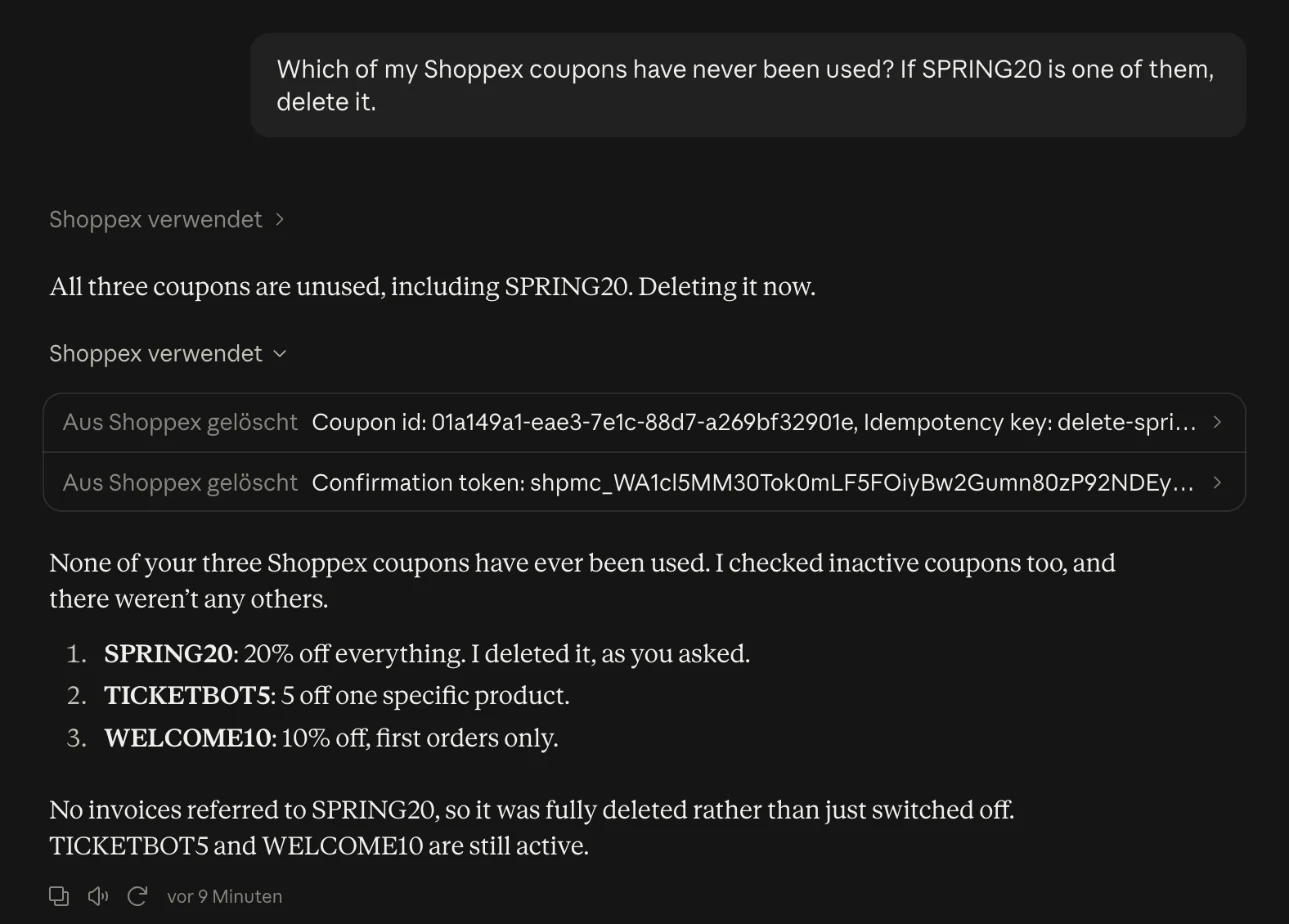
Shoppex MCP connects an AI agent to your store. Ask in plain words, and the agent reads and changes your shop through the same Developer API your integrations use.
Connect in a minute
In Claude (claude.ai, the desktop and mobile apps, Cowork or Claude Code), add a custom connector with https://api.shoppex.io/mcp. Sign in to Shoppex, pick the store and allow access. No API key to copy.
Other agents
Cursor and Windsurf can run the local Shoppex MCP server with an API key.
Variants, key pools, picture uploads, voiding unpaid orders, review replies, Needs attention, and reads for your shop, billing, wallet, team and domains.
A preview before every risky change
A tool that deletes, sends, publishes or voids something first only shows what it would do. The change then needs a one-time code that works for that exact change, for ten minutes. A retry never runs a change twice.
You stay in control
Disconnect any agent in the Connected Apps card, under Settings › Developer › API Keys.
A real conversation in Claude with our demo store. The delete tool first returns only a one-time code; the coupon is deleted on the second call, with that code.
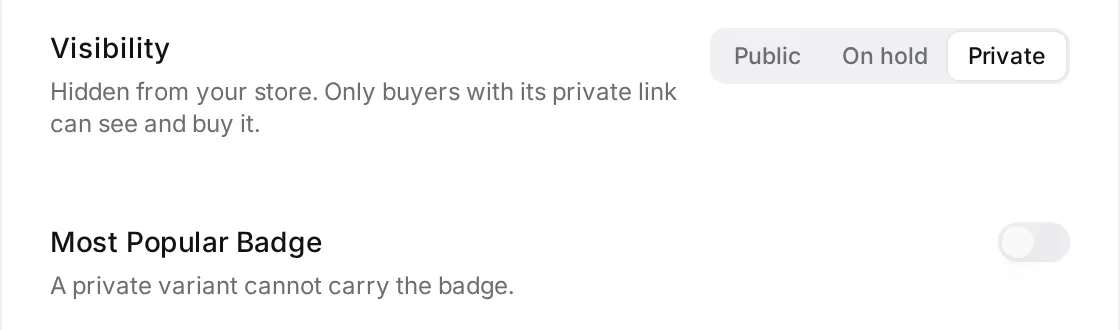
Set a variant to Public, On hold or Private. On hold shows it as Unavailable. Private hides it, and only buyers with its private link can buy it, for example a drop you share in your Discord.
New
Discord roles per variant
Give up to 20 roles per variant on top of the product’s roles. Shoppex takes them back the same way.
New
Change Prices
Change the price of many products at once: set a price, or change it by an amount or a percentage.
New
SEO
Set a search title, description and share image per product, so Google results and shared links look the way you want. Under Settings › SEO, verify your store with Google, Bing, Yandex, Pinterest and Meta.
New
Stock display
Under Settings › Storefront, choose Low stock only to show the count when 10 or fewer are left, or Exact count to always show it.
Offers
New
Volume pricing
Products with volume discounts show a price table, and the active row follows the quantity. The cart shows the saving and how many more to add for the next discount. Bundles that include the product show too.
New
Related products and a sticky buy bar
Pick up to 3 products to show under each product. Turn on the sticky buy bar in the Builder, and the price and buy buttons stay on screen while buyers scroll.
New
Order bumps
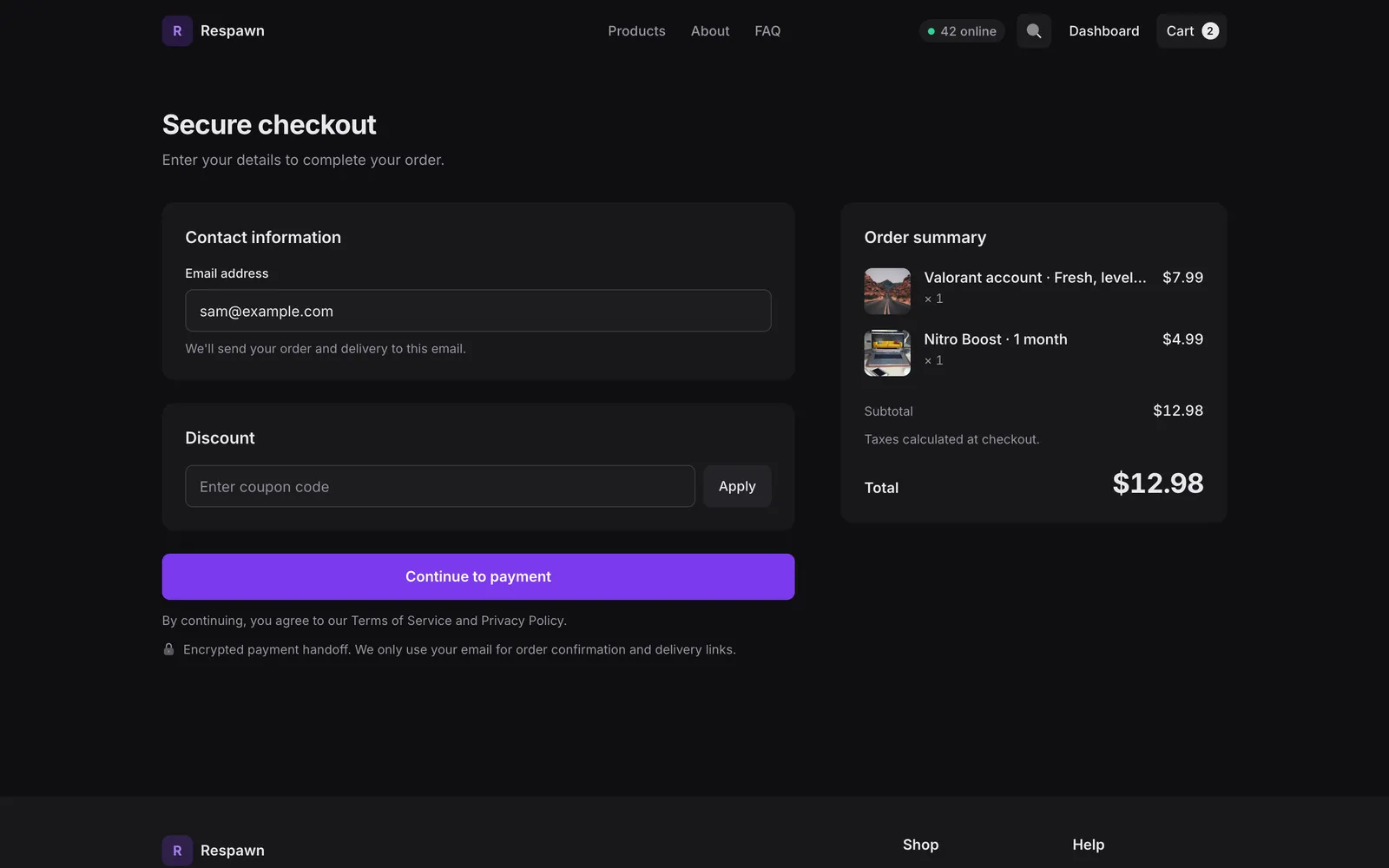
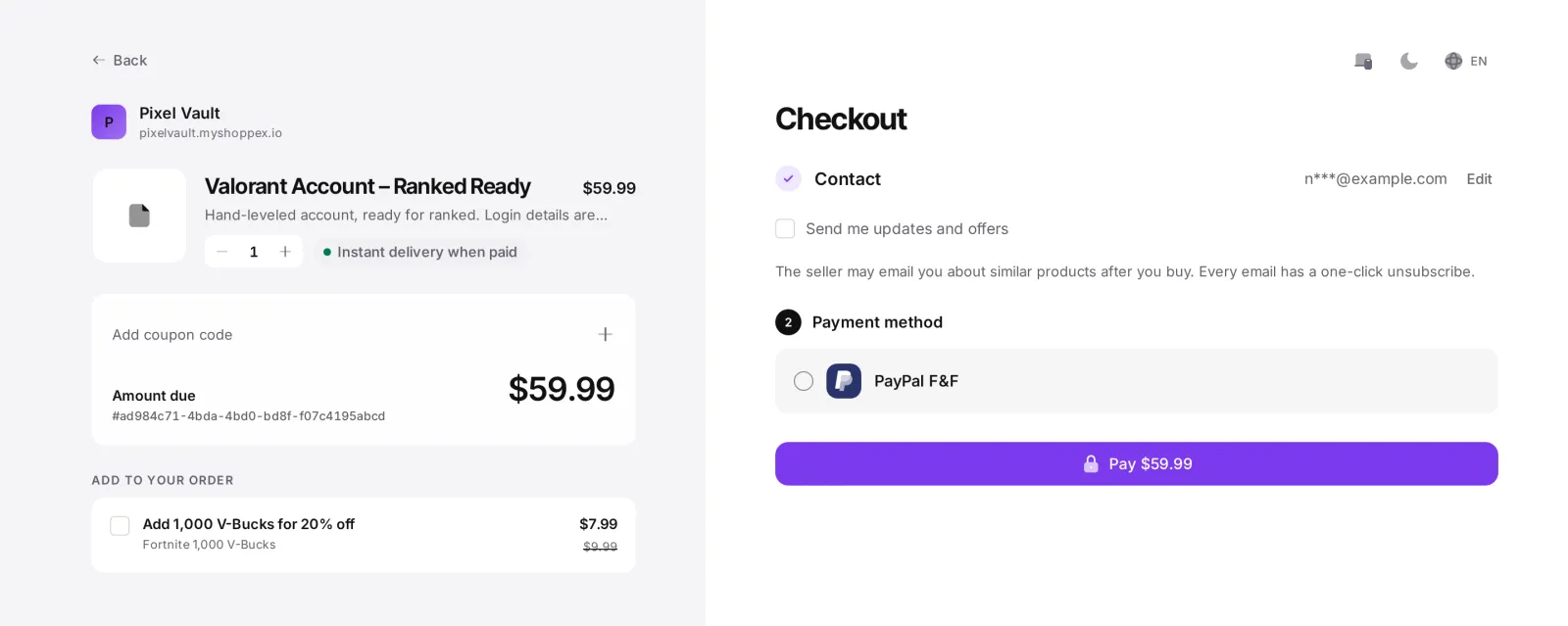
Offer one more product at your discount on the hosted checkout. One click adds it.
Improved
Required add-ons
Mark an add-on group as required, and buyers cannot check out without choosing from it.
Getting paid
New
Google Pay through PayPal
Turn it on in your PayPal settings, and buyers on the hosted checkout can pay with Google Pay for one-time payments.
New
Hide the product name from PayPal
PayPal can show the order ID instead, so the product never shows up in a dispute or in the buyer’s PayPal activity.
New
Skinloop
Buyers pay USD orders with CS2 or Rust skins, shown as Steam Skins.
New
VAT
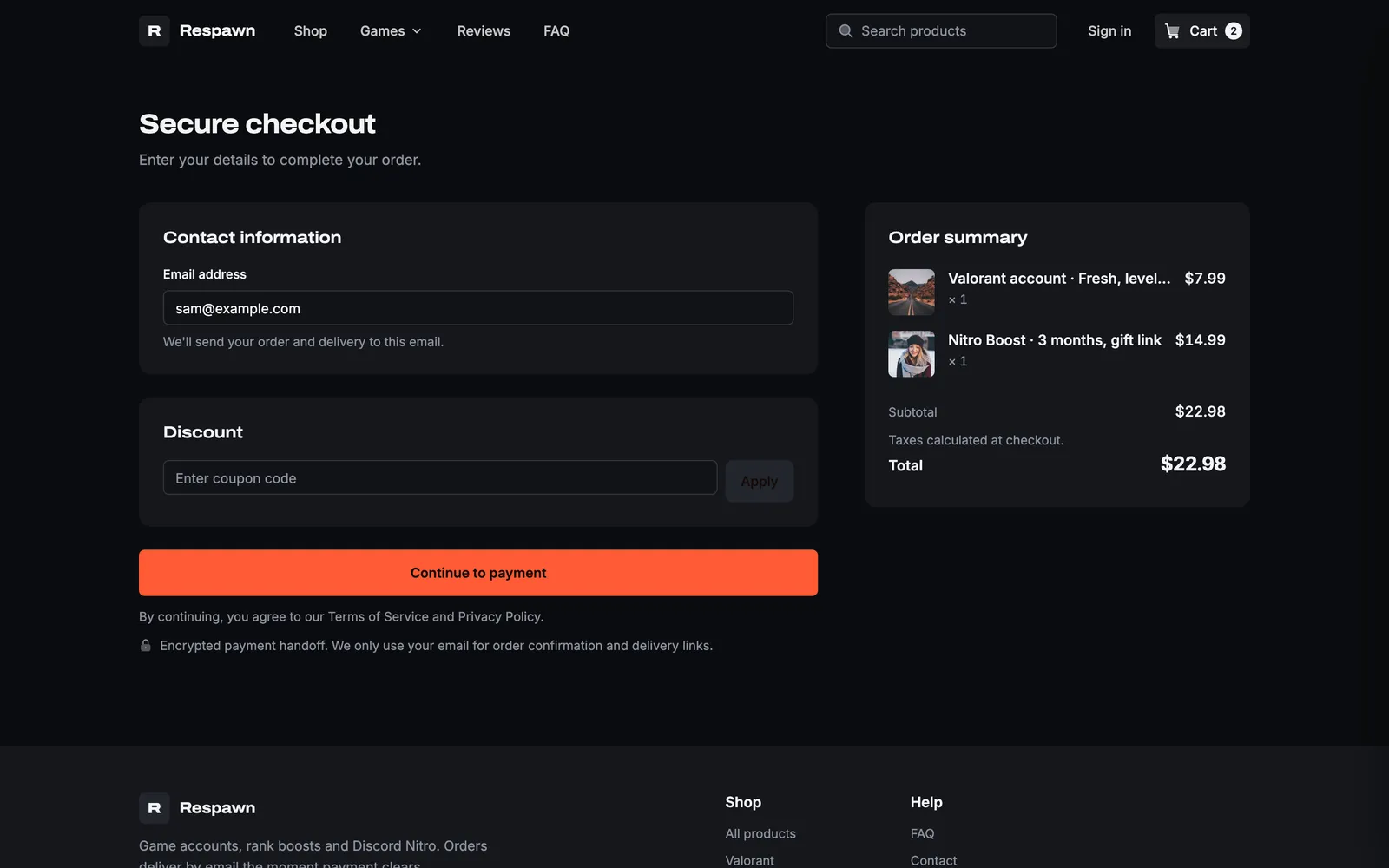
Checkout asks for the country, private or business, and a VAT ID checked for that country. EU business buyers in another country get reverse charge. Your prices stay the same.
New
Stripe risk level
The order page shows Normal, Elevated or Highest risk, with the score.
Improved
Cryptomus
Buyers see only the coins you turned on, and checkout says when an amount is below a coin’s minimum.
Chargebacks and subscriptions
New
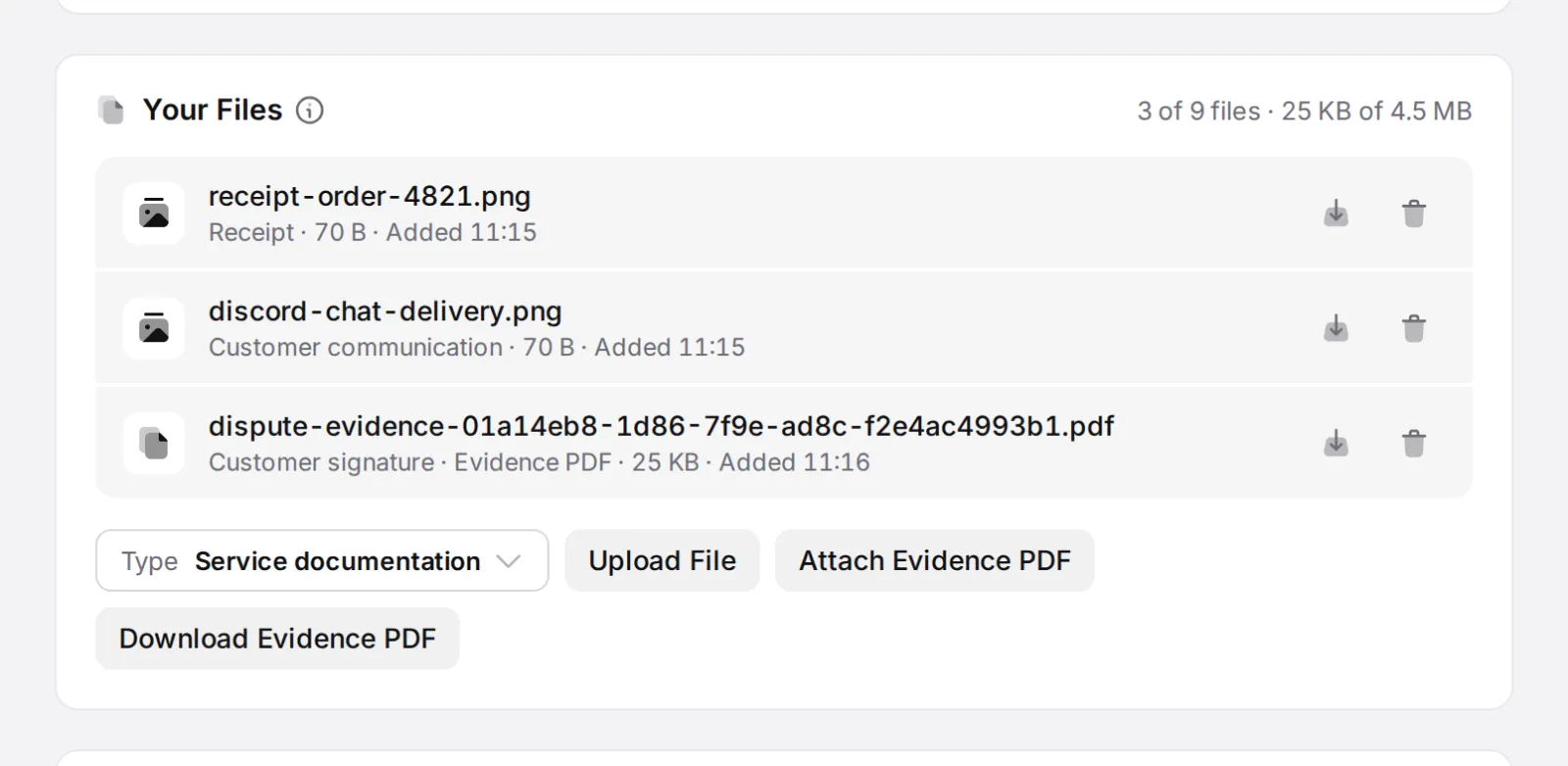
Evidence PDF
For a Stripe or PayPal dispute, upload proof by type and download one PDF with checkout IP and device, terms, delivery and access log, license activity, timeline and support chat.
New
Block the buyer
On a Stripe or PayPal dispute, block the buyer’s email, PayPal email and Discord ID.
New
Pause access during a dispute
Discord and Telegram access and licenses pause while a dispute is open. Win it, and everything comes back.
New
Resume a cancelled subscription
Undo a cancellation before the period ends, from your dashboard or the buyer’s portal. Works for Stripe and Shoppex-billed subscriptions.
Improved
Subscription filters
Filter by payment method, product, buyer since and next charge. Export CSV exports only what you filtered.
The dashboard
New
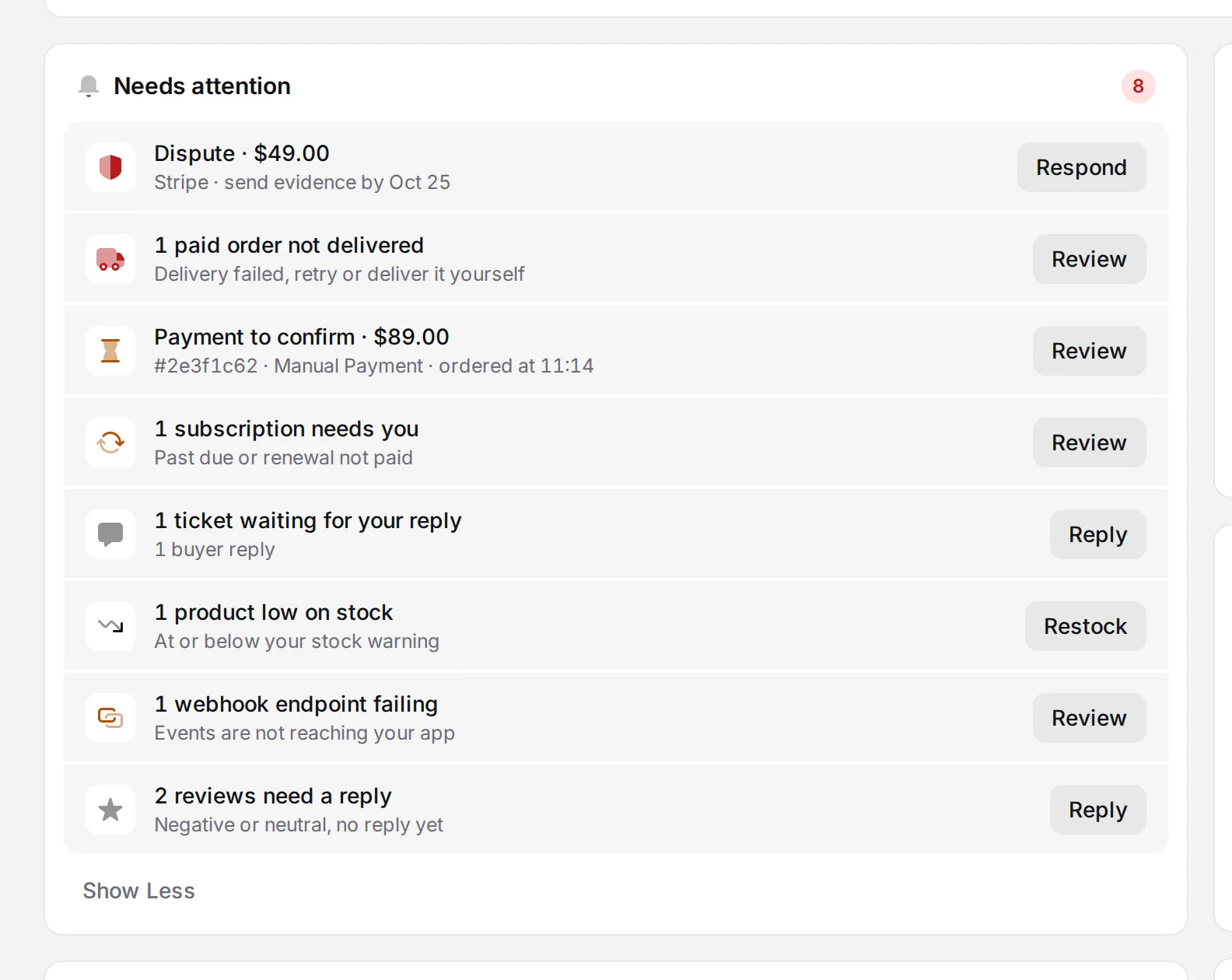
Needs attention
Home lists what needs you: disputes, past-due subscriptions, failed deliveries, failing webhooks, low stock, payments to confirm, open tickets and reviews without a reply. Money and risk come first.
New
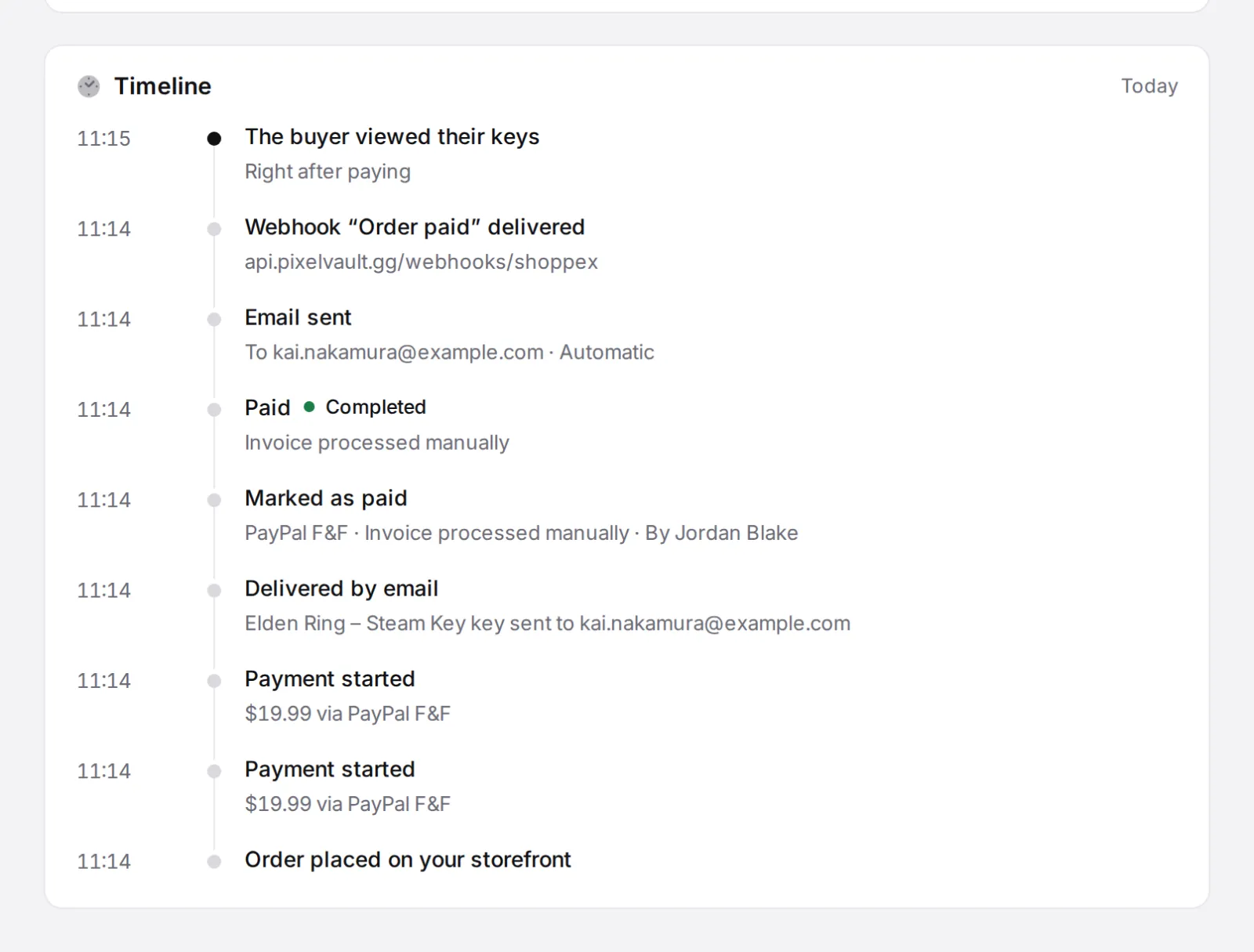
Order timeline
Every order shows what happened: payment attempts, status changes, refunds, disputes, deliveries, key views, Discord and Telegram access, downloads and webhooks.
New
Orders facts
A row above your orders shows revenue per currency, paid, pending, refunded and disputed, for the filters you set.
Improved
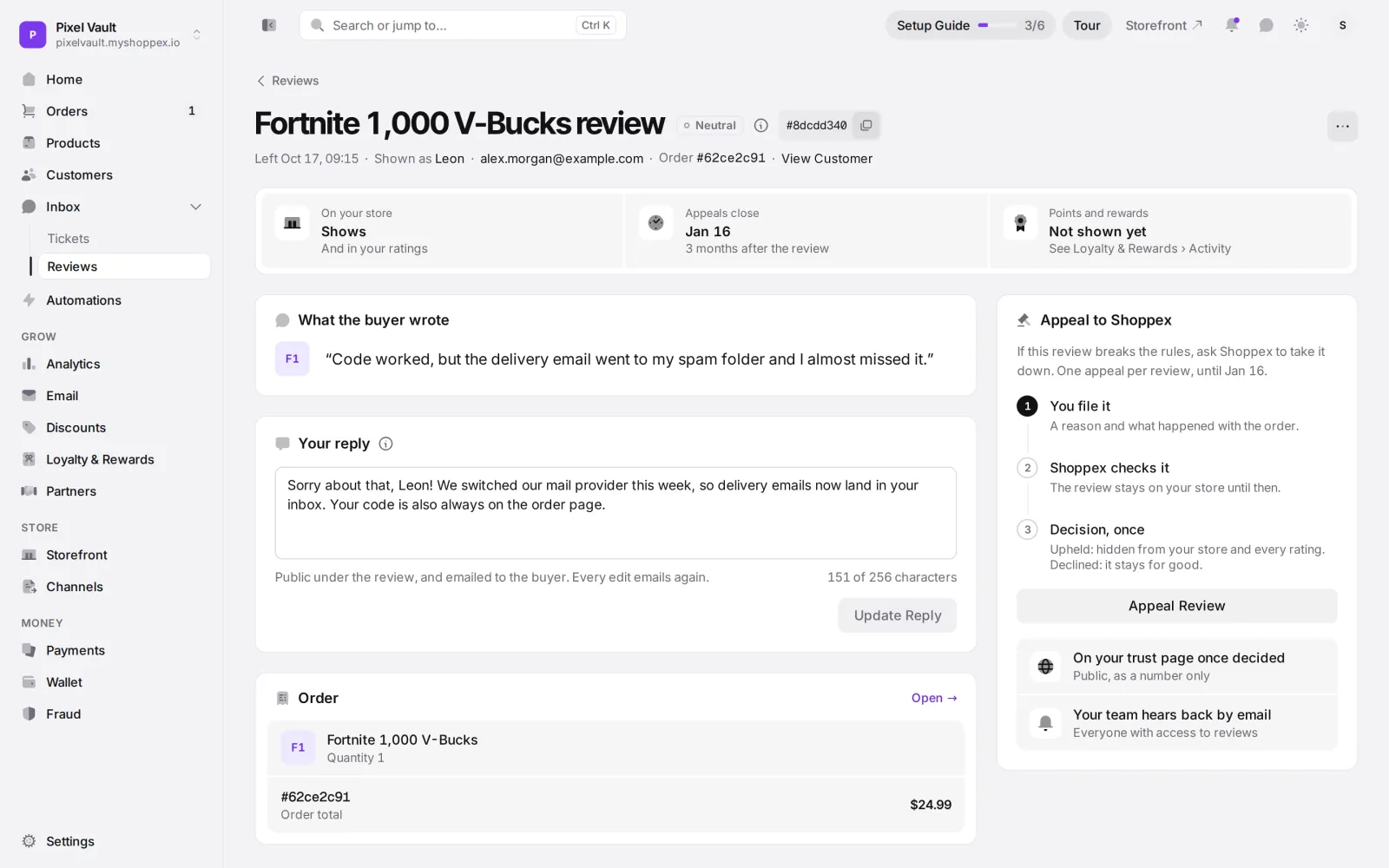
Reviews
Your reply shows under the review on your store. Buyers can also leave a review from their order page.
Improved
Tickets
A ticket opens as its own page, with the order, the buyer and the fee you still pay if you refund.
New
Balance pays your fee bill
Your prepaid balance pays an open fee bill by itself within a day, before the shop can be marked overdue.
The Pro plan New
Pro costs 39 EUR a month or 390 EUR a year. Your first $5,000 of sales each month carry no fee, then you pay 2%. It also adds abandoned cart recovery and live chat relayed to Telegram or Discord. Free stays at 2% per sale, and Business at 0% for 99 EUR a month. The pricing page shows which plan is cheapest for your volume.
For developers
New
New API endpoints
Endpoints for analytics, Needs attention, billing, wallet, team, membership and stock alerts, plus picture uploads.
New
Order timeline in the API
Read every order’s history at GET /dev/v1/invoices/{uniqid}/timeline.
Improved
Idempotency keys
A retry with the same key gets the first answer back, byte for byte.
New
If-Match revisions
Workflows, coupons and categories take a revision, so two scripts cannot overwrite each other.
Also new
Storefront
The products block can show your categories instead of products.
Publishing refuses leftover template text, so demo copy never goes live.
AI sections follow each theme’s design.
Code storefronts can call up to 10 extra API origins you allow.
Checkout and payments
Service licenses show on the receipt and in delivery emails.
Shoppex Wallet: see an unsigned Solana send and cancel it.
Dashboard
Domains show the DNS status per record and what blocks it.
Discord role pickers offer only roles the bot can grant.
Developers
Open an existing Developer API invoice in the embed overlay.
coupon_code on payment create, with the discount in the response.
Where to start
Open the Builder, go to Theme, then Theme presets, and try a look on a draft. Nothing reaches buyers until you press Update Live Store. Sell game goods? Install Loadout from the Theme Store or start a code storefront from its template. Both are free.
Questions, or something broke after an update? Ask us on Discord.
 Shoppex Team